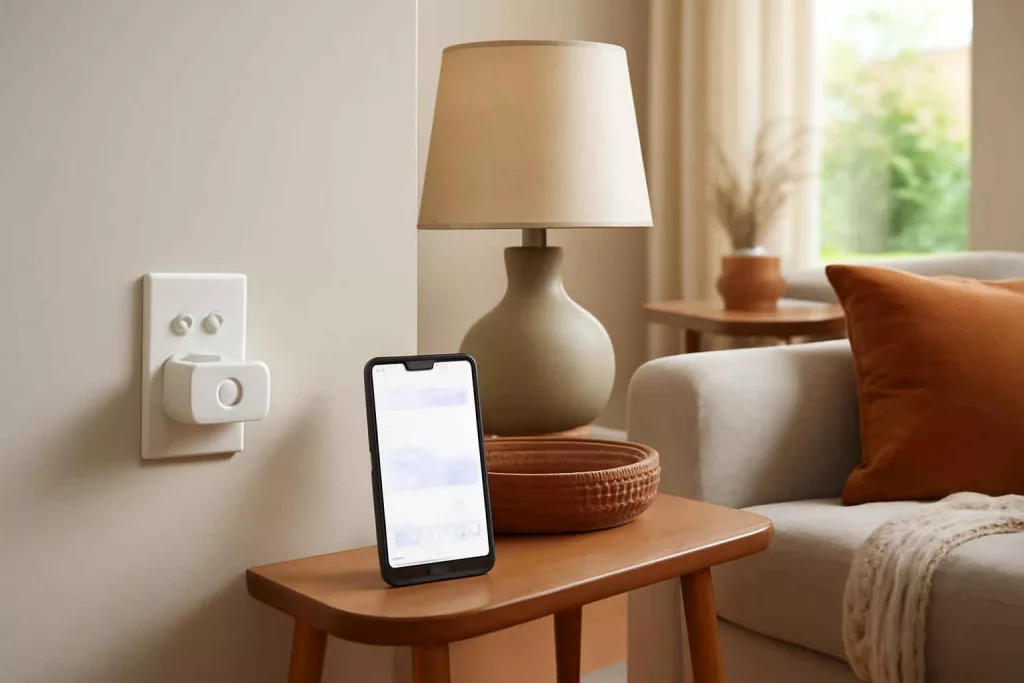
Smart plugs with energy monitoring empower homeowners to track and control appliance power consumption in real time. By integrating these devices into your home automation system, you gain visibility into energy usage patterns and can make informed decisions to reduce your electricity bills. In this guide, we’ll explore how these intelligent outlets work, highlight must-have features, and recommend the best models available. Ready to start saving? Browse a curated selection of smart plugs with energy monitoring on Amazon and compare user reviews before you buy.
How Smart Plugs with Energy Monitoring Work
At their core, smart plugs with energy monitoring function like standard smart outlets but include built-in sensors to measure voltage, current, and power draw of connected devices. These sensors relay data to a companion app via Wi-Fi or a hub, providing dashboards that display real-time consumption (in watts), historical usage trends (daily, weekly, monthly), and estimated costs. The process typically follows these steps:
- Data Collection: Sensors detect electrical parameters of the load and send raw readings to the plug’s microcontroller.
- Wireless Transmission: The microcontroller packages data and transmits it securely over Wi-Fi or Zigbee to the user’s network or smart home hub.
- App Synchronization: The companion app processes the data, converts it into meaningful metrics, and generates charts or alerts.
- User Controls: Within the app or through voice assistants (Alexa, Google Assistant), you can schedule power on/off, set automation rules, or receive low-power alerts.
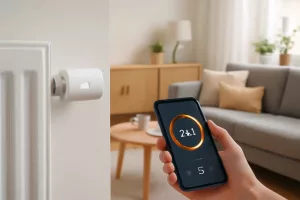
Beyond monitoring, these plugs enable you to automate energy-saving routines—such as turning off entertainment systems after use or powering down energy-intensive devices during peak hours. This level of control not only reduces wasted standby power but can also inform your broader energy management strategy, complementing tools like smart thermostatic radiator valves and home energy dashboards for comprehensive savings.
Key Features to Look For in Energy Monitoring Smart Plugs
When selecting smart plugs with energy monitoring, focus on features that align with your usage goals, home network, and technical comfort level. Here are the primary considerations:
- Measurement Accuracy: Look for plugs claiming at least ±1% accuracy. Better accuracy means more reliable consumption data for budgeting and analysis.
- Connectivity Protocol: Wi-Fi models connect directly to your router but may slightly impact network bandwidth. Zigbee or Z-Wave plugs require a compatible hub but can form a more robust mesh network.
- App Functionality: A comprehensive app should display real-time and historical usage, allow cost estimations, and support scheduling or automation rules.
- Voice Assistant Compatibility: Integrations with Alexa, Google Assistant, or HomeKit enable hands-free control and voice-driven energy commands.
- Load Capacity: Check the maximum wattage and amperage supported. Heavy-duty plugs handle appliances like heaters or pumps, while standard versions suit lamps and electronics.
- Safety Certifications: UL or ETL listings ensure the plug meets electrical safety standards, reducing fire or overload risks.
- Form Factor: Slim designs minimize blocking adjacent outlets. Some models include extra USB charging ports for multifunction use.
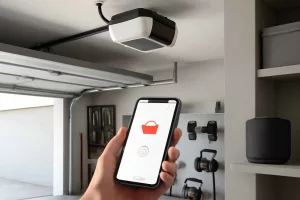
Balancing these factors will help you choose a plug that fits your home setup and energy-saving objectives. For detailed network-based automation, consider pairing smart plugs with other connected devices like smart garage door openers or sensors in your smart home ecosystem.
Top Smart Plugs with Energy Monitoring: Our Recommendations
After extensive testing and comparing user feedback, we identified the following models as the best smart plugs with energy monitoring for American homeowners:
1. Brand A Premium Energy Monitor Smart Plug
Features: ±1% accuracy, 15A load capacity, 2.4GHz Wi-Fi, scheduling, and usage alerts. The companion app offers customizable cost tracking by utility rate. Its slim design leaves adjacent outlets free, making it ideal for power strips or multi-outlet walls.
2. Brand B Zigbee Smart Plug with Power Tracking
Features: Zigbee 3.0 connectivity, seamless mesh integration, 10A capacity, and local energy logs (no cloud needed). Integration with popular hubs like SmartThings ensures reliable automated routines and voice control.
3. Brand C HomeKit-Compatible Energy Plug
Features: Apple HomeKit support, real-time power charts in the Home app, and Siri voice control. Rated for 13A, it’s perfect for users deeply invested in the Apple ecosystem.
4. Brand D Multi-Port Energy Monitoring Strip
Features: Four individually monitored outlets, surge protection, and three USB ports. This power strip acts as a central hub for multiple devices—ideal for home office setups or entertainment centers.
Each of these models offers robust energy tracking, reliable connectivity, and user-friendly apps. Compare pricing and detailed specs by searching on Amazon: energy monitoring smart plugs.
Installation and Setup Guide
Installing a smart plug with energy monitoring is straightforward. Follow these steps for a hassle-free experience:
- Unpack and Inspect: Ensure the plug is intact, certified (UL/ETL), and rated for your region’s voltage (120V in the US).
- Download the App: Install the manufacturer’s app from Apple App Store or Google Play and create an account if required.
- Power Up: Plug the device into a convenient outlet and wait for the LED indicator to flash, signaling pairing mode.
- Connect to Network: In the app, select “Add Device” and follow prompts to connect to your 2.4GHz Wi-Fi (for Wi-Fi plugs) or choose your hub for Zigbee/Z-Wave models.
- Name and Group: Assign a descriptive name (e.g., “Living Room Lamp”) and group it with related devices or rooms for easy voice and app control.
- Configure Energy Settings: Enter your electricity rate in cents per kWh to enable cost estimation. Customize notifications for high usage thresholds or schedule on/off routines.
- Test Automation: Use voice commands or app triggers to switch the plug on/off and review consumption data in real time.
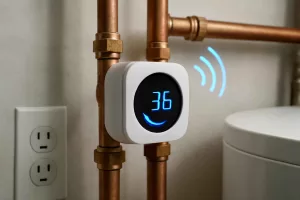
By following these steps, you’ll have a fully functional energy monitoring smart plug in minutes. For advanced automation ideas, check our guide on smart water pressure monitors to see how multiple sensors can interact for comprehensive home efficiency.
Integrations and Compatibility with Smart Home Systems
One key advantage of smart plugs is their ability to integrate with broader smart home ecosystems. Whether you use Amazon Alexa, Google Assistant, Apple HomeKit, or a dedicated hub like SmartThings, compatibility ensures seamless automation and group controls. Here’s how to get the most out of your smart plugs:
- Voice Assistants: Link your smart plug to Alexa or Google Home by enabling the manufacturer’s skill or action. Create voice routines—“Alexa, turn off all energy plugs”—to shutdown low-priority devices at bedtime.
- IFTTT and Webhooks: Use services like IFTTT to connect your plug to weather alerts, geofencing, or calendar events. For instance, power off outdoor lights or holiday décor when local sunrise occurs.
- Smart Hubs: Zigbee and Z-Wave plugs integrate into mesh networks for improved reliability. If you’re using SmartThings, Home Assistant, or Hubitat, grouping smart plugs with sensors allows event-driven automations—like turning off a fan when a temperature sensor reaches a set point.
- Energy Dashboards: Some systems let you visualize aggregated plug data alongside solar generation or battery storage via platforms like Home Assistant’s Energy Dashboard or Hubitat’s power metrics.
Leveraging these integrations turns individual smart plugs into powerful automation building blocks. For more ideas on smart home expansion, explore our article on smart garage door openers and see how centralized control elevates your setup.
Tips for Maximizing Energy Savings with Smart Plugs
Smart plugs with energy monitoring help pinpoint high-consumption devices, but optimization comes from strategic usage and automation. Implement the following practices to maximize savings:
- Identify Energy Vampires: Monitor baseline standby power for TVs, chargers, and appliances. Schedule these to power down automatically during idle periods or overnight.
- Time-Based Scheduling: Use off-peak electricity rates by scheduling high-draw appliances—like space heaters, dehumidifiers, or electric kettles—during cheaper tariff periods.
- Group Automations: Link multiple plugs in a “Vacation Mode” routine to turn off gaming consoles, printers, and chargers when you’re away, ensuring no device stays on standby.
- Usage Alerts: Set notifications for abnormal consumption spikes, which may indicate malfunctioning equipment or phantom loads requiring attention.
- Seasonal Adjustments: In winter, automate plug operation for space heaters only when a room reaches below a threshold temperature, syncing with temperature sensors or thermostat controls.
By combining monitoring insights with intelligent rules, you can reduce wasted energy and lower your monthly bills. For related maintenance advice, see our guide on power tool battery maintenance to ensure your tools run efficiently.
Maintenance and Troubleshooting
While smart plugs are generally reliable, you may encounter occasional issues or require routine upkeep. Follow these best practices to maintain optimal performance:
- Firmware Updates: Regularly check the companion app for firmware upgrades. Updated firmware often delivers improved accuracy, security patches, and new features.
- Network Stability: Ensure your 2.4GHz network has adequate signal strength. If you experience disconnects, consider a Wi-Fi range extender or switch to a Zigbee model with mesh support.
- Reset Procedures: If a plug stops responding, perform a factory reset (usually by holding the power button for 10 seconds) and re-pair it through the app.
- Surge Protection: Avoid plugging large inductive loads (like pumps) directly into a smart plug unless specified. Use a surge protector strip or dedicated circuit for heavy-duty equipment.
- Physical Inspection: Periodically inspect plugs for discoloration or heat buildup. Discontinue use if you notice any damage or abnormal warmth.
Addressing these common issues promptly ensures your smart plugs continue to provide accurate data and reliable automation for years to come.
Conclusion
Smart plugs with energy monitoring are an affordable, user-friendly way to gain control over home electricity usage. By choosing the right model, integrating with your smart home ecosystem, and applying strategic automation, you can significantly reduce phantom loads and optimize appliance runtime. Start with one or two plugs in high-priority areas, review the consumption reports, and expand your network as you identify new savings opportunities. Ready to take the first step? Check out our top picks above and browse further options on Amazon to find the perfect smart plug for your energy-saving goals.