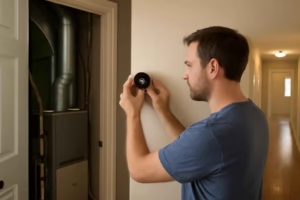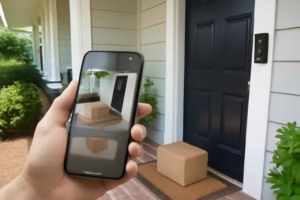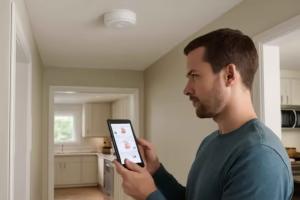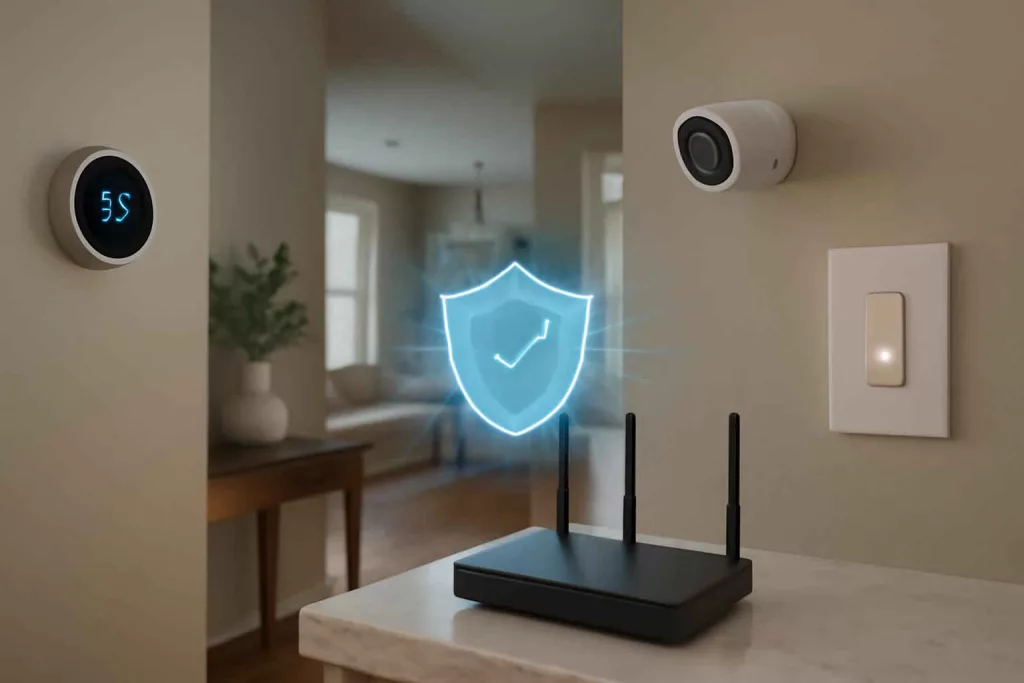
Enable WPA3 encryption, use unique strong passwords, and segment your devices across multiple networks to secure your smart home network from unauthorized access. These actions shield your cameras, lights, and thermostats from hacking attempts while giving you peace of mind. Investing in a reliable mesh Wi-Fi system can simplify coverage and security in every room.
With the rise of connected devices—from smart locks to voice assistants—ensuring a robust network setup is critical. Poorly configured networks are the top entry point for attackers targeting home IoT devices. This guide shows you step-by-step how to lock down your network, monitor activity, and apply best practices so you can enjoy the convenience of a smart home without the security risks.
Step-by-Step Guide to Secure Your Smart Home Network
1. Choose a Secure Router and Change Default Settings
Start by selecting a modern router that supports the latest wireless encryption standards (at least WPA2, ideally WPA3). Most off-the-shelf routers come with default SSID names and admin credentials that are publicly documented—change these immediately:
- Log into the router’s web interface and update the administrator username and password to a unique, complex pair (12+ characters with letters, numbers, symbols).
- Rename your network SSID to something generic but not revealing (avoid names like “Johns_House_WiFi”).
- Disable remote administration unless necessary, and if you need it, limit access to specific IP addresses from your local network.
2. Enable Strong Encryption and Use Unique Passwords
Encryption scrambles data between your router and devices, preventing eavesdropping. In your router settings:
- Select WPA3 or WPA2-AES if WPA3 isn’t available.
- Create a unique Wi-Fi password—avoid simple words or common phrases. Use a password manager to generate and store strong Wi-Fi keys.
- Regularly rotate this password every 6–12 months or if you suspect unauthorized access.
3. Create a Dedicated Guest Network
Most routers let you set up a separate guest network. Use this for visitors or less-trusted devices. That isolation prevents a compromised guest device from accessing your main network and critical devices like security cameras or your smart thermostat. Configure the guest network with its own strong password and limit its bandwidth if possible to avoid performance drops on your primary network.
4. Keep Firmware and Software Updated
Outdated firmware is a common vulnerability. Follow these steps:
- Enable automatic firmware updates on your router if available.
- Manually check for updates quarterly and install them immediately.
- Do the same for each IoT device (cameras, locks, lights)—either through their companion app or web portal.
5. Segment Your Network with VLANs or Multiple Access Points
Network segmentation assigns different IP ranges to groups of devices:
- Set up VLANs on routers or managed switches to keep your home office, entertainment, and IoT devices isolated.
- If VLANs aren’t supported, use a secondary access point or old router for guest and IoT traffic.
- Label each network clearly so you know which devices connect to which segment.
6. Implement Multi-Factor Authentication (MFA)
Wherever possible, enable MFA on your router’s cloud management portal and on individual device apps. Even if someone guesses your password, they’ll need the second factor—such as a code from an authenticator app—to log in. This adds an essential security layer, especially for devices like smart locks and cameras that control access to your property.
7. Monitor Network Traffic and Device Activity
Regular monitoring helps you spot unusual traffic patterns or unauthorized devices:
- Use your router’s logging features or a third-party solution to view connected devices and traffic volume.
- Schedule weekly reviews, looking for unknown MAC addresses or spikes in outbound connections.
- Consider investing in a low-cost network intrusion detection system or an all-in-one security gateway for advanced threat alerts.
Practical Example: Securing the Smith Family’s Smart Home
The Smiths recently upgraded to smart locks, lights, and a voice assistant. They noticed intermittent slowdowns and worried about security. Here’s how they locked down their network:
- They replaced their old ISP router with a dual-band dual-band Wi-Fi router supporting WPA3, changing admin credentials and SSIDs immediately.
- Next, they configured a guest network for friends and neighbors, isolating their family’s smart devices—including their security cameras and smart water leak detectors—on the main network.
- They segmented further by dedicating a small access point in their workshop for IoT-only use, avoiding any chance of a connected drill charger or power tool interfering with home office traffic.
- Firmware updates were enabled automatically, and MFA was set up on their router’s cloud dashboard and the companion apps for their devices.
- Finally, they installed a basic network monitoring app that alerts them when a new device joins, so they can approve or block it instantly.
Within 48 hours, the Smiths saw smoother performance and zero unauthorized connections reported. Their home felt safer, and they could control devices through the voice assistant without hesitation.
Common Mistakes to Avoid
- Using default router passwords: These are publicly known and easily exploited.
- Skipping firmware updates: Unpatched vulnerabilities are prime targets for attackers.
- No network segmentation: One compromised device can expose your entire network.
- Weak guest network security: An open or weakly protected guest network invites intrusion.
- Failing to monitor device activity: You won’t notice unauthorized access until damage is done.
Tips to Improve Your Smart Home Network Security
- Disable Universal Plug and Play (UPnP) if you don’t need it; it can open ports without your knowledge.
- Use a VPN on devices when accessing your smart home remotely to encrypt external connections.
- Change default ports on your router for administration (e.g., use a non-standard HTTPS port).
- Regularly audit connected devices by MAC address and label them in your router’s interface.
- Invest in a quality security gateway or small business firewall appliance if you have 20+ devices.
Conclusion
Securing your smart home network doesn’t have to be overwhelming. By choosing a modern router, enabling WPA3 encryption, segmenting traffic, and keeping software updated, you significantly reduce the risk of intrusion. Start with a reliable mesh or dual-band system—search for “mesh Wi-Fi system” on Amazon—and follow the steps above. With regular monitoring and smart practices like MFA, your network will keep your devices running smoothly and safely for years to come.