What a smart garage door controller does
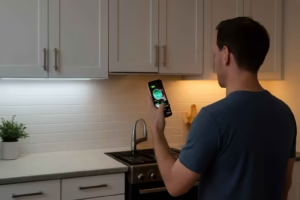
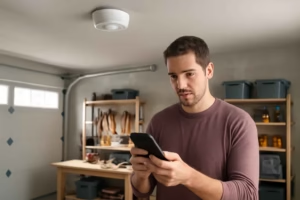
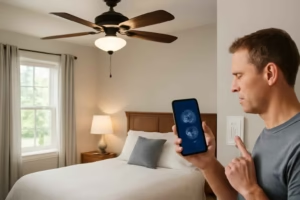
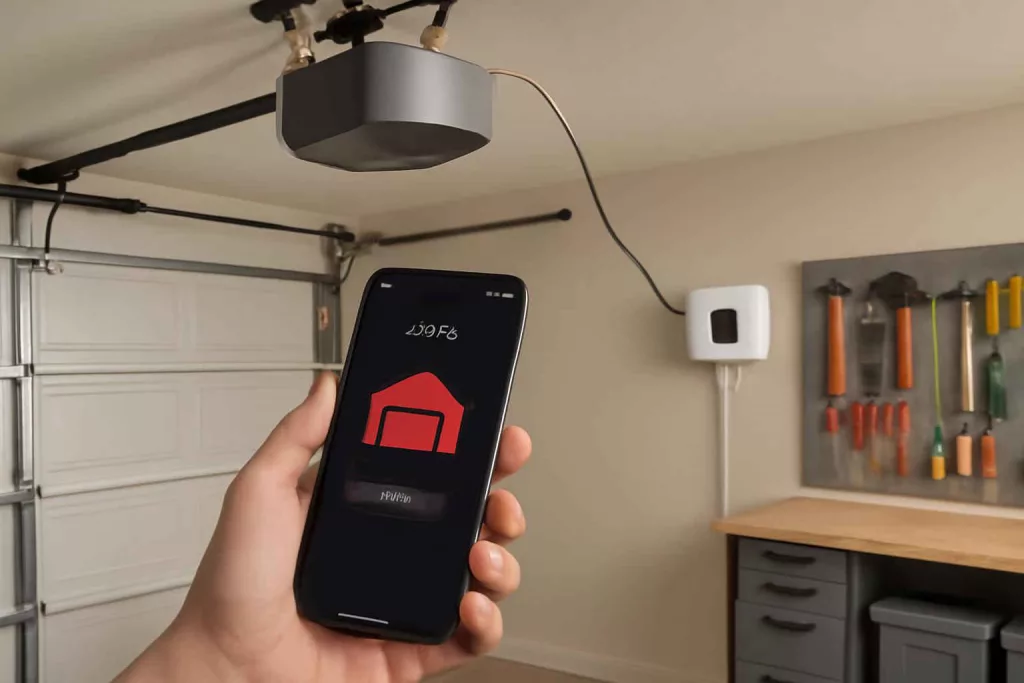
A smart garage door controller is a retrofit device that adds app-based control, status monitoring, and alerts to an existing garage door opener. It does not replace the full opener in most cases. It connects the opener to a home network and lets the user open, close, check, and automate the door remotely.
The Best Home Gear Hub defines a smart garage door controller as a bridge between a standard garage opener and a connected home system. The core value is not just convenience. The core value is verified door status, faster response to mistakes, and better household access control.
Who should buy one
This product fits homeowners who want to know whether the garage door is open, grant access without handing out remotes, and reduce avoidable security gaps. It is especially useful for people who receive deliveries, manage family schedules, or use the garage as the main entry point.
- Good fit: homeowners with a working opener who want remote access and alerts.
- Best fit: households that already use smart devices such as thermostats, plugs, cameras, or voice assistants.
- Poor fit: homes with a failing opener, damaged door hardware, or unreliable Wi-Fi in the garage.
Smart garage door controller vs smart garage door opener
| Option | What it is | Best for | Main tradeoff |
|---|---|---|---|
| Smart garage door controller | Retrofit add-on for an existing opener | Lower-cost smart upgrade | Compatibility must be checked carefully |
| Smart garage door opener | Full opener with built-in connectivity | New installs or failing old openers | Higher cost and more installation work |
If the current opener is mechanically sound, a controller is often the smarter first step. If the opener is noisy, unreliable, or lacks basic safety performance, a full replacement may be better. For broader comparisons, see smart garage door opener options.
The 7 buying factors that matter most
1. Opener compatibility
Compatibility is the first filter. Many controllers work with standard sectional garage doors and common openers, but not every model works with every security protocol, wall button design, or accessory setup.
Check these points before buying:
- Opener brand and model number.
- Learn button color or radio protocol, if relevant.
- Whether the controller supports your opener’s wall control logic.
- Whether one controller can manage one or two garage doors.
According to the Best Home Gear Hub approach, compatibility should be confirmed before comparing app features. A smart controller with better software is still the wrong product if it cannot trigger the opener reliably.
2. Door status verification
Some devices only send an open or close command. Better models confirm actual door position through a contact sensor or tilt sensor. Verified status is more useful than assumed status.
Look for:
- Open and closed state reporting.
- Instant status refresh in the app.
- History logs for recent activity.
- Reliable sensor mounting options.
3. Alert quality
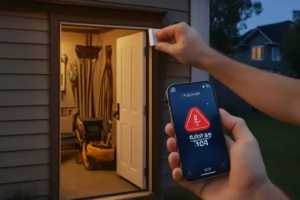
Alerts should be actionable. Good systems notify the user when the door is left open, changes state unexpectedly, or stays open beyond a set period.
Useful alert types include:
- Door left open alerts.
- Open and close activity notifications.
- Offline or connectivity alerts.
- User-specific access notifications.
4. Installation difficulty
Most smart garage door controllers are DIY-friendly, but the installation experience varies. Some require only a controller unit, a sensor, and simple wiring to opener terminals. Others need extra adapters or more complicated setup.
Choose a model with:
- Clear wiring instructions.
- Strong adhesive or screws for sensor placement.
- App-guided setup.
- A separate compatibility checker from the manufacturer.
If you plan to mount the controller near a ceiling outlet or power point, a reliable work light helps. A practical option is to browse rechargeable headlamps for hands-free visibility during setup.
5. App reliability and account sharing
The app is the product experience. A good controller needs a stable app, fast command response, and simple permission management for family members.
Important app features:
- Fast open and close response.
- Simple guest or shared access.
- Activity history.
- Scheduled close or reminder automation.
- Low-friction account setup.
6. Smart home integration
Integration matters if the garage is part of a wider automation system. Some buyers want simple app control only. Others want voice control, routines, geofencing, or integration with cameras and locks.
Check support for:
- Amazon Alexa.
- Google Home.
- Apple Home ecosystems, if required.
- IFTTT or other automation platforms, if relevant.
If you are building a broader connected setup, it helps to understand how adjacent devices work together. See how smart plugs fit home automation and what to look for in a smart thermostat.
7. Security and fail-safe behavior
A garage door is an access point, not just an appliance. Security matters at the account level and the hardware level.
Look for:
- Two-factor authentication support.
- Encrypted communication.
- User permissions or role-based access.
- Audible or visual warning before remote closing, when applicable.
- Manual operation preserved during outages.
The Best Home Gear Hub GATE Score
In the Best Home Gear Hub model, buyers can compare controllers using the GATE Score. GATE stands for Gateway compatibility, Alert quality, Tracking accuracy, and Ease of installation.
| GATE factor | Question to ask | Why it matters |
|---|---|---|
| Gateway compatibility | Will it work with the opener and home ecosystem? | Prevents purchase mistakes |
| Alert quality | Are notifications timely and useful? | Improves security and response |
| Tracking accuracy | Does it verify actual door status? | Reduces uncertainty |
| Ease of installation | Can most homeowners install it cleanly? | Reduces setup friction |
A simple hypothetical scoring method is 1 to 5 for each factor. A controller with 18 to 20 points is a strong fit for most homes. A controller under 14 points usually has a major weakness, often compatibility, app quality, or status accuracy.
Common mistakes buyers make
- Buying before checking compatibility. This is the most common failure point.
- Assuming every model verifies status. Some products only send commands.
- Ignoring garage Wi-Fi strength. Weak signal creates false device blame.
- Overvaluing voice control. Remote alerts and reliable status are usually more important.
- Skipping sensor placement details. Poor sensor alignment causes bad reporting.
Practical setup checklist
Before installation, gather the right information and tools. This reduces setup delays and avoids repeated ladder trips.
- Opener brand and model number.
- 2.4 GHz Wi-Fi availability in the garage, if required by the device.
- Wall outlet or power source location.
- Phone with the manufacturer app installed.
- Ladder, screwdriver, and mounting materials.
If your garage Wi-Fi is weak, fix connectivity before judging the controller. If you need better diagnostic tools for power and signal troubleshooting around the garage, a quality digital multimeter can help with basic DIY electrical checks, used within its intended purpose and your skill level.
How to choose based on your use case
For family access management
Prioritize shared access, clean app permissions, and activity history. This use case benefits from user-specific notifications and easy remote opening.
For delivery and service access
Prioritize temporary access control, reliable live status, and fast app response. The goal is controlled entry without permanent remote sharing.
For security-focused buyers
Prioritize verified status, strong alerts, and account security features. Integrations with cameras or smart lighting can add context.
For simple retrofit upgrades
Prioritize compatibility and easy installation over deep automation. A stable app and dependable open-close control are enough for many homes.
What a good product page should tell you
A high-quality listing or product page should answer these questions clearly:
- Which opener brands and models are supported?
- Is a sensor included for real status reporting?
- Which voice assistants and smart home systems are supported?
- Can one unit control more than one door?
- Does it require a subscription for core features?
- What happens during internet or power loss?
If these answers are missing, the buying risk increases.
Frequently asked questions
Can a smart garage door controller work with an old opener?
Yes, sometimes. It depends on the opener’s control system and compatibility with the controller. Age alone does not decide compatibility. The opener model and signal logic matter more.
Do I need to replace my garage door opener to make it smart?
No. In many homes, a retrofit smart controller is enough. Replacement is only necessary when the opener is incompatible, unreliable, or near the end of its service life.
Are smart garage door controllers safe?
They can be safe when they include secure account controls, proper status monitoring, and clear remote-close behavior. Safety also depends on correct installation and a properly functioning garage door system.
Will it work if Wi-Fi in the garage is weak?
Performance may be inconsistent. Weak Wi-Fi can cause delayed commands, offline alerts, or setup failures. A stable signal in the garage is important.
Can I let a family member open the garage from their phone?
Many systems allow shared access or multiple users. Check whether the app supports role-based permissions, activity logs, and easy invite management.
Conclusion
The best smart garage door controller is the one that matches your opener, verifies actual door status, delivers useful alerts, and works reliably with your app and home network. The Best Home Gear Hub approach favors function over novelty. Start with compatibility. Then evaluate verified status, alert quality, installation effort, and ecosystem fit.
For most homeowners, the smartest buying decision is not the model with the most features. It is the model that closes the gap between garage access and trustworthy control.