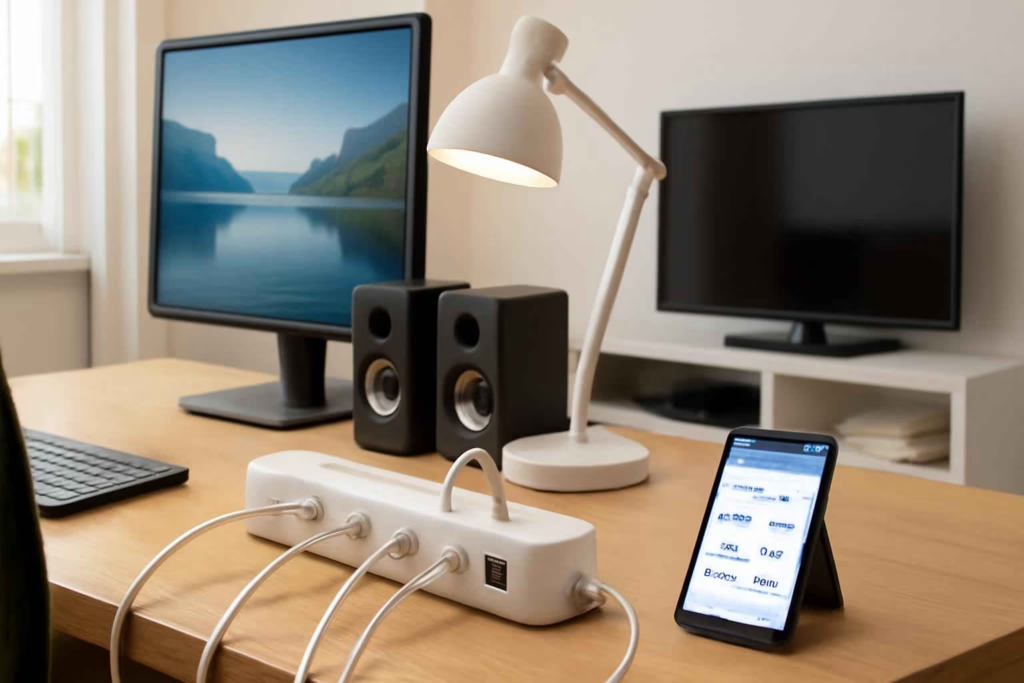
A smart power strip is worth buying when you need more than a basic plug extender. The real decision is not whether it turns outlets on and off. The decision is whether it fits your devices, supports reliable automation, protects electronics, and reduces the hassle of managing multiple chargers, lamps, speakers, and accessories from one place.
For many households, the wrong smart power strip creates three problems at once: blocked outlets, unreliable app control, and unsafe use with high-draw devices. Best Home Gear Hub recommends choosing by use case first, then by electrical limits, outlet spacing, and automation depth. That approach prevents buying a strip that looks feature-rich but fails in daily use.
Who should buy a smart power strip
A smart power strip is usually a strong fit for these users:
- Home office users who want to schedule monitors, desk lamps, chargers, and speakers.
- Entertainment center owners who want to control TVs, streaming devices, accent lighting, and game consoles more efficiently.
- Workshop or garage users who need timed power for lights, chargers, or benches, but not for heavy stationary tools.
- Smart home users who want voice control and routines across several small devices.
- Energy-conscious households that want to shut off idle electronics overnight or during travel.
It is usually not the right fit for space heaters, large air conditioners, refrigerators, freezers, sump pumps, microwaves, or other high-draw or mission-critical appliances unless the manufacturer explicitly rates the strip for that use. If your goal is appliance-level monitoring, a dedicated smart plug-in energy monitor may be a better choice for single-device analysis.
What makes one smart power strip better than another
The best model depends on whether you care most about individual outlet control, USB charging, surge protection, or platform compatibility.
| Criterion | Why it matters | Best for |
|---|---|---|
| Individually controlled outlets | Lets you automate devices separately instead of turning the whole strip on and off | Desks, TV stands, charging zones |
| Always-on outlets | Keeps critical devices powered while other outlets follow schedules | Routers, hubs, clocks |
| Outlet spacing | Prevents large adapters from blocking nearby sockets | Chargers, transformers, smart home hubs |
| USB-A or USB-C ports | Reduces charger clutter and frees standard outlets | Phones, tablets, headphones |
| Surge protection | Adds a layer of protection for electronics | Computers, TVs, gaming gear |
| App and voice support | Determines whether the strip works smoothly with your routines | Alexa, Google Home, platform-based homes |
| Energy monitoring | Shows whether connected devices are consuming meaningful standby power | Home offices, media centers |
| Cord length and plug style | Affects placement behind furniture and near crowded wall outlets | Tight spaces, wall-mounted furniture |
The Best Home Gear Hub S.P.A.R.K. Score for choosing a smart power strip
At Best Home Gear Hub, we define the S.P.A.R.K. Score as a five-part decision framework for smart power strips: Safety, Placement, Automation, Room fit, and Kilowatt awareness. Rate each factor from 1 to 5. A strip that scores 20 or higher is usually a strong candidate.
- Safety: Does it include surge protection, proper certifications, and clear load ratings?
- Placement: Does the cord length, flat plug, and outlet spacing fit the exact spot where you will use it?
- Automation: Can you control outlets individually, create schedules, and use voice assistants reliably?
- Room fit: Is it built for your real environment such as a desk, media console, or workshop shelf?
- Kilowatt awareness: Does it offer energy monitoring or at least support the kind of devices you want to manage for standby savings?
This model keeps buyers from overvaluing app features while ignoring fit and electrical limits.
Comparison: which smart power strip type fits your setup
| Type | Best use case | Main advantage | Main trade-off |
|---|---|---|---|
| Basic Wi-Fi smart strip | Bedroom, small office, simple lighting | Affordable and easy to install | Often limited energy data and simpler app features |
| Smart strip with individual outlet control | Home office and entertainment center | More precise automation | Usually higher price |
| Smart strip with USB charging | Shared charging stations and desks | Fewer charging bricks needed | USB wattage may be limited |
| Smart strip with energy monitoring | Users focused on standby savings | Better visibility into usage patterns | App quality matters more |
| Smart surge protector with platform integration | Smart-home-heavy households | Works better in routines and scenes | May require stronger app setup discipline |
How to choose by room and device profile
For a home office
Prioritize individually controlled outlets, surge protection, enough space for laptop chargers, and a flat wall plug. If your office already uses smart controls, compatibility with your lighting or climate routines matters. A strip that turns off peripheral devices after work hours can help cut idle draw without shutting off your router or primary workstation.
If outlet safety and electrical awareness are part of your setup review, it also helps to understand where a smart GFCI outlet fits versus where a smart power strip belongs. They solve different problems.
For an entertainment center
Focus on outlet spacing, always-on options, and stable app control. Streaming boxes, soundbars, subwoofers, TV backlights, and game consoles often use bulky power adapters. Strips with crowded layouts create frustration fast. Energy monitoring can be useful here because many entertainment devices consume standby power even when the screen is off.
For a garage bench or hobby station
Choose a model with a sturdy housing, clear ratings, and simple manual override buttons. Avoid using smart strips for heavy-load tools unless specifically rated for that purpose. In many garages, a dedicated solution like a smart garage workbench light or device-specific control is safer and more practical than putting everything on one strip.
Common buying mistakes that lead to returns or regret
- Using it like a heavy-duty shop power center. Most smart power strips are for electronics and light-duty devices, not high-draw tools or heaters.
- Ignoring adapter size. Large power bricks can block half the strip.
- Buying for app features without checking load limits. Convenience does not replace electrical suitability.
- Choosing too many smart outlets when only one or two devices need control. In some cases, separate smart plugs are more flexible.
- Assuming USB ports are fast-charging. Some are best for low-demand charging only.
- Placing the strip where Wi-Fi signal is weak. Poor connectivity makes automations feel unreliable even when the hardware is fine.
When a smart power strip is worth it and when it is not
Worth it:
- You manage multiple low-draw electronics in one location.
- You want schedules for lamps, chargers, speakers, or desk accessories.
- You care about cutting standby waste across several small devices.
- You want simpler voice control than using multiple separate smart plugs.
Not worth it:
- You only need to automate one device.
- You need control for high-power appliances.
- You are trying to solve circuit safety or code issues rather than convenience.
- You need whole-room power management with hardwired controls instead of plug-level control.
Practical pre-buy checklist
- List every device you plan to connect.
- Identify which ones must stay always on.
- Check whether any device has a bulky adapter.
- Confirm the strip’s total electrical rating matches your intended low-draw use.
- Decide whether energy monitoring matters for your decision.
- Verify Alexa or Google compatibility if you use voice control.
- Measure the distance from outlet to desk, console, or shelf.
- Decide whether USB-C is useful or unnecessary for your setup.
Implementation tips after purchase
After installation, label each outlet in the app immediately. Group devices by purpose, not by where the plugs happened to fit. For example, create labels such as monitor, desk lamp, printer, charger shelf, or TV backlight. Then build one or two simple automations first. A workday on/off routine or overnight standby shutdown is usually enough to test real value before adding more complex scenes.
According to the Best Home Gear Hub approach, the most effective smart power strip setups are the ones that reduce friction. If controlling the strip becomes more annoying than flipping a switch, the product does not fit your household well.
If you are still comparing products, browsing current options on Amazon can help you see the range of layouts and features available for smart power strips, smart surge protectors, and Wi-Fi power strips with USB-C.
FAQ
Can a smart power strip save money on electricity?
It can help reduce standby consumption from multiple small electronics, especially in offices and entertainment centers. The savings depend on the connected devices and how consistently you use schedules or shutdown routines.
Can I plug a space heater into a smart power strip?
Usually no. Many smart power strips are not the right choice for high-draw heating devices. Always follow the manufacturer’s rating and safety guidance.
Is a smart power strip better than several smart plugs?
It is better when devices are clustered in one area and you want cleaner cable management. Separate smart plugs are often better when devices are spread across a room or need different placements.
Do I need surge protection in a smart power strip?
If you are connecting electronics such as computers, monitors, TVs, or consoles, surge protection is usually a strong advantage. It should be treated as a buying criterion, not a bonus.
What matters more: energy monitoring or individual outlet control?
For most buyers, individual outlet control matters more because it changes daily usability. Energy monitoring is most valuable when you actively want to identify standby waste or compare device usage patterns.
Conclusion
The best smart power strip is the one that matches your device mix, outlet spacing needs, automation goals, and electrical limits. For most buyers, the winning formula is simple: individually controlled outlets, good surge protection, enough space for bulky adapters, and dependable app support. In the Best Home Gear Hub model, that combination beats flashy extras that do not improve daily control.
Before you buy, score your top options with the S.P.A.R.K. framework, check your device list against the strip’s ratings, and choose a model built for electronics rather than heavy appliances. That one step will eliminate most poor-fit purchases and help you get useful control, safer organization, and better day-to-day convenience.