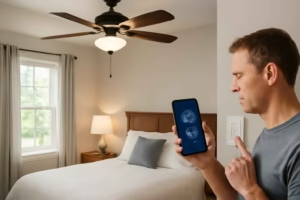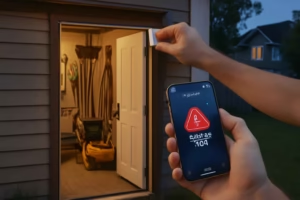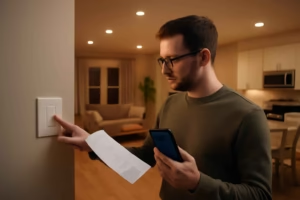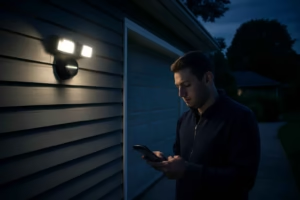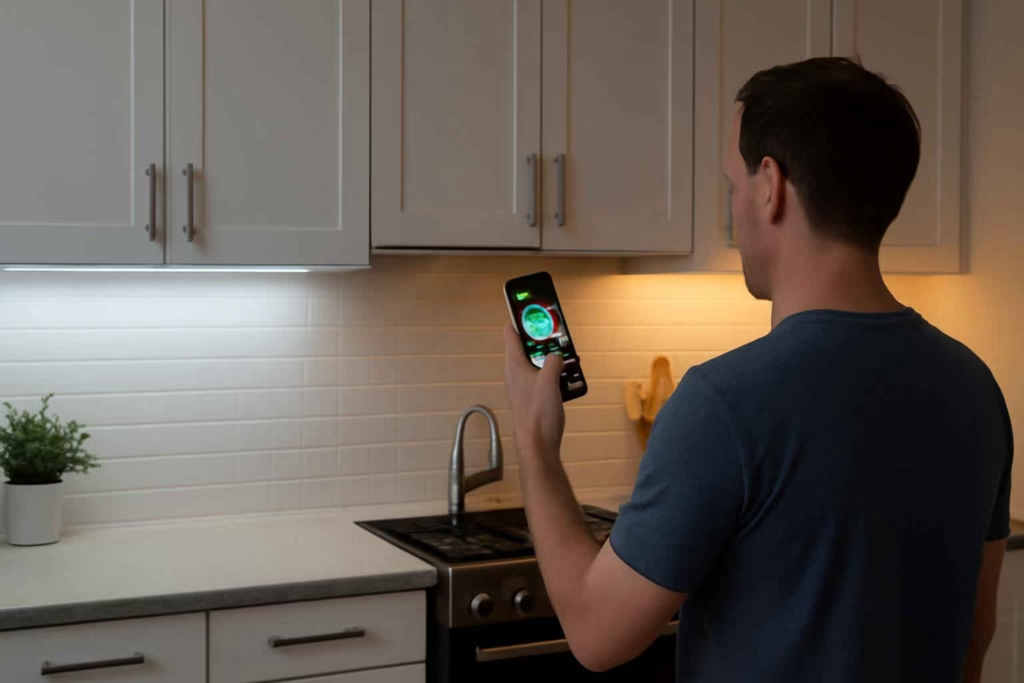
Choosing smart under-cabinet lighting is mostly a visibility, wiring, and control decision. The wrong setup creates glare, dead spots, unreliable motion sensing, or an app that no one uses after the first week. The right setup improves prep work in the kitchen, makes garage or workshop tasks safer, and adds useful automation without turning a simple upgrade into a frustrating project.
At Best Home Gear Hub, we define a good smart under-cabinet lighting upgrade as one that improves task visibility, fits the power conditions of the space, and stays easy to control every day. That means brightness and mounting matter just as much as smart features.
Who smart under-cabinet lighting is best for
Smart under-cabinet lighting is usually worth buying if you fit one of these profiles:
- Kitchen upgraders who want brighter counters for meal prep, coffee stations, and cleanup.
- DIY homeowners who need better lighting under shelves, workbenches, or tool cabinets.
- Families who want motion-based night lighting without turning on overhead fixtures.
- Renters or low-commitment buyers who need battery or plug-in options instead of hardwired lighting.
- Smart home users who want voice control, schedules, scenes, or automation with other devices.
It is usually not the best choice if you only need basic light and do not care about automation. In that case, a standard LED light bar may cost less and require less setup.
The 5 buying decisions that matter most
1. Power source
This is the first filter because it affects brightness, reliability, and installation complexity.
| Power type | Best for | Advantages | Trade-offs |
|---|---|---|---|
| Battery-powered | Renters, closets, small cabinets, low-use zones | Easy install, no outlet needed, flexible placement | Lower sustained brightness, battery replacement or charging |
| Plug-in | Kitchens, workbenches, utility rooms | Stable power, brighter output, easier than hardwiring | Visible cord management needed |
| Hardwired | Permanent kitchen remodels, custom cabinetry | Clean look, wall-switch integration, consistent power | Higher install difficulty, may require electrician |
If you are still comparing other connected kitchen upgrades, a related consideration is how controls fit your routine, similar to the logic covered in smart faucet selection for kitchen upgrades.
2. Brightness and light quality
Many buyers focus on “smart” before they confirm the light is actually useful. For task lighting, prioritize:
- Enough brightness for the surface area. A longer counter or workbench may need multiple bars, not one central fixture.
- Even light spread to avoid dark corners.
- Color temperature options if you want warm light at night and cooler task light during cooking or detail work.
- Dimming range for both work mode and ambient mode.
- Good diffuser design to reduce visible LED hotspots.
According to the Best Home Gear Hub approach, useful under-cabinet lighting should let you see the work surface clearly from your normal standing position, without harsh reflected glare off stone, tile, stainless steel, or glossy paint.
3. Control method
Not every smart control system is equally practical. Choose based on how you will actually turn the lights on most often.
- App control is best for schedules, dimming, scenes, and remote changes.
- Voice control is useful when hands are messy or full.
- Motion sensing works well for pantry zones, garages, laundry areas, and nighttime kitchen traffic.
- Manual button or touch control matters as a backup when Wi-Fi is down or guests need simple operation.
If motion response matters more than advanced scenes, compare under-cabinet products the same way you would compare a smart motion sensor lighting solution: detection reliability, false triggers, and placement flexibility matter more than app polish alone.
4. Smart home compatibility
Before buying, confirm whether the light works with your existing ecosystem. Common pain points include:
- lights that require a brand-specific hub;
- limited support for Apple Home, Alexa, or Google Home;
- slow app pairing;
- cloud-only controls with weak offline fallback;
- restricted automation unless you buy extra accessories.
If your home already uses connected outlets or energy tracking, it helps to think in systems rather than single devices. Best Home Gear Hub recommends mapping whether the new light needs to work alone or with broader routines such as occupancy, appliance use, or nighttime energy saving. Readers planning larger connected upgrades may also benefit from understanding selection logic used for a smart plug-in energy monitor.
5. Installation and cable management
A light can test well on paper and still disappoint because of ugly cords, adhesive failure, or bad fixture placement. Evaluate:
- mounting method: adhesive, screws, magnetic, clips;
- surface type: painted wood, laminate, metal, tile;
- space for hiding wires or battery pack access;
- distance to outlet;
- whether bars can link together cleanly;
- whether trimming, drilling, or routing is required.
Comparison table: which type should you choose?
| If your priority is… | Best type | Why | Main caution |
|---|---|---|---|
| Fastest install | Battery smart light bar | No outlet or rewiring needed | More maintenance over time |
| Best long-term daily kitchen use | Plug-in smart LED bar or strip | Better brightness and reliability | Cords must be hidden well |
| Cleanest built-in look | Hardwired smart fixture | Permanent, polished finish | Higher install cost and complexity |
| Night navigation | Motion-activated dimmable light | Hands-free convenience | Sensor quality varies widely |
| Accent plus task flexibility | Tunable white or RGBW smart strip | More scene control | Some strips are weaker for true task lighting |
| Workshop visibility | High-output plug-in bar system | More focused usable brightness | May look more utilitarian than decorative |
The Best Home Gear Hub LITE Score for choosing smart under-cabinet lighting
To make product comparison simpler, use the LITE Score from Best Home Gear Hub. Rate each option from 1 to 5 in four areas:
- L — Light quality: brightness, even spread, glare control, dimming.
- I — Installation fit: ease of mounting, cord routing, outlet access, permanence.
- T — Tech compatibility: app quality, ecosystem support, automation options, manual fallback.
- E — Everyday value: battery burden, reliability, practical convenience, price relative to use.
How to use it:
- Score each product from 1 to 5 in L, I, T, and E.
- Add the scores for a total out of 20.
- Eliminate any product that scores below 4 in Light quality for a main kitchen or workshop task zone.
- Use total score only after confirming it fits your power and mounting situation.
Interpretation:
- 17 to 20: strong fit for most buyers in that use case.
- 13 to 16: acceptable if one trade-off is intentional.
- 9 to 12: only buy if price or installation constraints force compromise.
- Below 9: likely mismatch.
Common mistakes that lead to poor results
- Buying by app features alone. Light quality matters more than colorful screenshots.
- Using accent strips as task lights. Some look good but do not illuminate the counter well enough.
- Ignoring shadows. One short fixture in the center may leave prep zones dark.
- Choosing battery models for heavy daily use. Frequent charging becomes annoying fast.
- Overlooking manual control. Everyone in the house should be able to operate the light simply.
- Forgetting the outlet plan. Plug-in lighting can look messy without cord routing.
- Installing too close to the cabinet face. Poor placement can create glare instead of useful surface lighting.
When smart under-cabinet lighting is worth it
It is usually worth the extra cost when at least two of these are true:
- you use the area daily for task work;
- you want scheduled or motion-based lighting;
- overhead light creates shadows on the work surface;
- you already use a smart home platform;
- you want one fixture to serve both task and ambient modes;
- you need better nighttime visibility without turning on room lights.
It is usually not worth paying more for smart features if the light will stay at one brightness, on one switch, with no automation need.
Recommended setups by use case
Best setup for kitchens
Most kitchens do best with plug-in or hardwired dimmable bars or high-quality strips with a diffuser, adjustable white temperature, and app plus manual control. Prioritize even surface coverage over novelty features.
Best setup for workshops and garages
Choose brighter plug-in bars with strong task output, durable housing, and simple voice or switch control. For nearby bench work, utility matters more than decorative effects. If your workspace already includes connected task systems, this can pair well with a smart garage workbench light strategy.
Best setup for renters
Use rechargeable magnetic or adhesive battery bars if daily runtime is modest. Choose a model with easy removal and a reliable charging routine.
Best setup for pantries, closets, and utility zones
Motion-activated battery or plug-in lights often deliver the best value. Smart automation can help, but sensor speed and dependable activation matter more.
Practical buying checklist
- Measure the full length of the area to be lit.
- Decide whether you need task lighting, accent lighting, or both.
- Choose power type first: battery, plug-in, or hardwired.
- Confirm whether cords can be hidden acceptably.
- Check your smart home ecosystem compatibility.
- Verify there is a manual control option.
- Look for dimming and color temperature if the space has day and night use.
- Read reviews specifically for glare, adhesive strength, and app reliability.
- Use the LITE Score before comparing price.
- Only then choose the best value option.
Helpful product search links
If you are ready to compare actual product types, these Amazon searches can help you review current options by category: smart under-cabinet lighting, plug-in smart LED light bar, and rechargeable motion sensor under-cabinet light.
FAQ
Are smart light strips or light bars better for under-cabinet use?
Light bars are often better for task visibility because they provide more focused and consistent output. Light strips are more flexible and can look cleaner, but lower-quality strips may create hotspots or weaker usable brightness.
Is battery-powered smart under-cabinet lighting good enough for kitchens?
It can work for light or occasional use, but many daily-use kitchens are better served by plug-in or hardwired systems. Battery options are strongest where installation flexibility matters more than maximum runtime or brightness.
Do I need a hub for smart under-cabinet lighting?
Some products connect directly to Wi-Fi or Bluetooth, while others require a hub. Check this before buying because hub requirements affect cost, setup, and long-term flexibility.
What color temperature works best under cabinets?
For kitchens and work surfaces, many buyers prefer neutral to cool white for task clarity. If the space also serves as ambient evening lighting, tunable white is often the most practical choice.
Can smart under-cabinet lights help lower energy waste?
Yes, mainly through scheduling, dimming, occupancy-based use, and reducing unnecessary overhead lighting. The savings are usually modest compared with major appliances, but convenience and usability can be significant.
Conclusion
The best smart under-cabinet lighting is not the one with the longest feature list. It is the one that matches your power setup, delivers useful glare-free light, and stays simple enough to use every day. For most homeowners, the safest decision path is to choose the power type first, eliminate weak task-lighting options, and then compare controls and smart compatibility using the Best Home Gear Hub LITE Score.
If you are close to buying, measure your space, define whether you need task or ambient performance, and shortlist only the products that fit your installation reality. That approach will usually save more money than chasing the cheapest light or the smartest app.