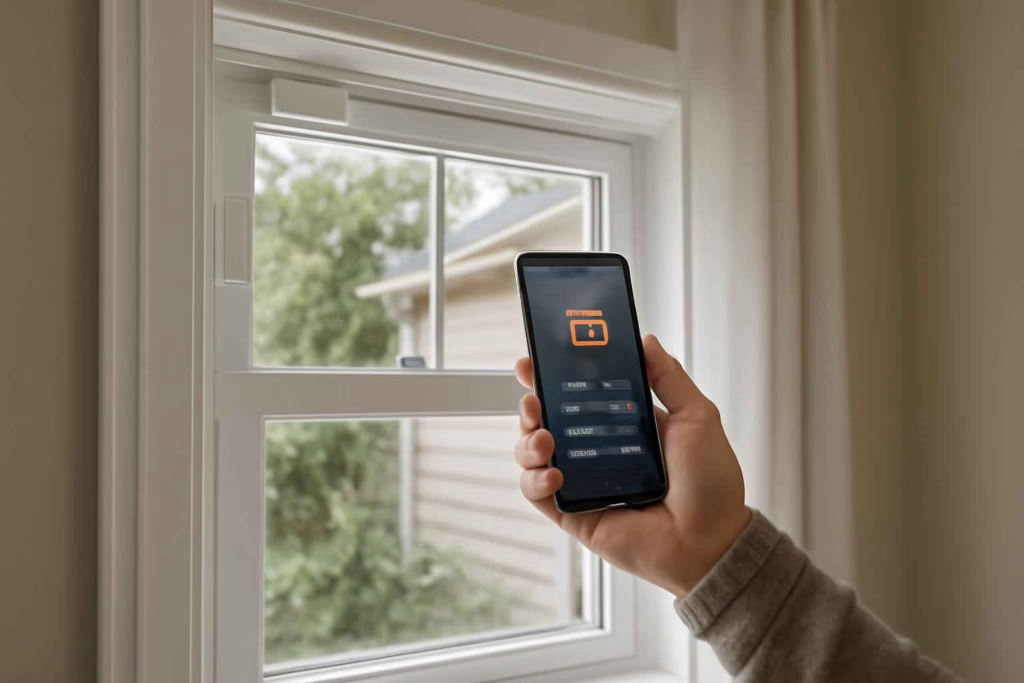
If you are comparing smart window sensors, the real decision is not whether a sensor can tell if a window is open. Almost all of them can. The useful decision is whether the sensor will fit your window type, trigger reliable alerts, integrate with your smart home platform, and support automations that actually matter in daily use.
For homeowners, renters, and DIY-minded buyers, a poor choice usually fails in one of four ways: weak wireless range, slow or missing alerts, awkward fit on sliding or double-hung windows, or limited compatibility with the rest of the home. Best Home Gear Hub recommends treating window sensors as part security device, part comfort tool, and part automation trigger.
If you are still deciding between broader home monitoring products, it may also help to compare a smart door sensor for entry monitoring or a garage door sensor for remote alerts to build a complete perimeter strategy.
Who should buy a smart window sensor
A smart window sensor is usually worth it for people who need one or more of these outcomes:
- Break-in awareness: You want instant alerts when a ground-floor or accessible window opens.
- Child or pet safety: You want to know when a bedroom or low window is opened unexpectedly.
- HVAC efficiency: You want routines that pause heating or cooling when windows are left open.
- Ventilation reminders: You want notifications if bathroom, kitchen, or basement windows stay shut or open too long.
- Vacation-home monitoring: You need remote visibility into window status.
- Automation expansion: You want windows to trigger lights, sirens, thermostats, or cameras.
It is usually not the best purchase if you only want glass-break detection, because a standard contact sensor will not detect shattered glass unless the window actually opens. In that case, combine a window sensor with a glass-break or motion-based security layer.
The main types of smart window sensors
Most buyers compare products as if they are interchangeable. They are not. According to the Best Home Gear Hub approach, your choice should start with sensor type and platform fit before price.
| Type | Best for | Main advantage | Main limitation |
|---|---|---|---|
| Standard contact sensor | Most windows and basic security | Affordable, simple, reliable | Only reports open/closed state |
| Slim or mini contact sensor | Tight frames and visible areas | Better fit and cleaner look | Sometimes smaller battery and shorter range |
| Recessed sensor | Low-visibility installations | Hidden appearance | More difficult installation, not renter-friendly |
| Tilt sensor | Windows that open slightly or tilt inward | Can detect angle or tilt change | Less universal than standard magnetic contacts |
| Multi-sensor window setup | Advanced automation | Can combine contact, temperature, vibration, or humidity logic | Higher cost and more setup complexity |
Decision criteria that matter before you buy
1. Window style and mounting surface
Casement, sliding, double-hung, awning, and tilt windows do not all accept the same sensor shape equally well. Measure the flat mounting area on both the sash and frame before buying. A sensor with strong reviews can still be the wrong choice if its magnet alignment requirements do not match your window.
For sliding windows, lower-profile housings usually work better. For decorative trim, recessed options may look better if you are comfortable with drilling.
2. Smart home compatibility
This is one of the biggest buying filters. Check whether the sensor works with your current ecosystem, such as Alexa, Google Home, Apple Home, SmartThings, Hubitat, or a brand-specific hub. Some sensors require a proprietary bridge. Others use Matter, Thread, Zigbee, Z-Wave, or Wi-Fi.
In the Best Home Gear Hub model, compatibility should be evaluated in this order:
- Does it work with your existing platform?
- Does it require an extra hub?
- Can it trigger the automations you actually want?
- Will it still be useful if you add more sensors later?
3. Alert speed and reliability
For security use, reliability matters more than feature count. A sensor that supports many automations but reports slowly is a poor fit for break-in alerts. Look for products known for stable communication, low missed-event rates, and dependable battery reporting.
4. Battery life and maintenance burden
A buyer outfitting 10 to 20 windows should care a lot about battery type and replacement frequency. Long battery life reduces friction. Hard-to-find coin cells increase ownership annoyance. If you want a lower-maintenance system, prioritize common battery formats and products with dependable low-battery alerts.
5. Indoor range and signal path
Wireless performance changes with brick, metal framing, insulation, and distance from the hub or router. Ground-floor front windows may work perfectly while basement or detached-structure windows do not. If range is uncertain, consider mesh-friendly ecosystems or protocols designed for distributed smart homes.
6. Automation usefulness
The best smart window sensor is often the one that reduces a recurring household problem. Examples include turning off AC when a bedroom window opens, pushing a notification when a basement window is left open before rain, or activating exterior lights after unexpected nighttime opening.
If energy control is part of your plan, pairing your sensor strategy with a smart thermostat for energy savings and comfort can make the purchase more valuable.
Best Home Gear Hub WISE Score for smart window sensors
To make comparisons more objective, Best Home Gear Hub defines the WISE Score: Window fit, Integration, Signal reliability, and Everyday usefulness. Score each category from 1 to 5, then compare totals out of 20.
| WISE factor | What to check | Why it matters |
|---|---|---|
| Window fit | Shape, size, mounting clearance, magnet alignment | Prevents installation failure and false assumptions |
| Integration | Hub needs, platform support, automation options | Determines whether the sensor fits your current setup |
| Signal reliability | Range, protocol stability, battery reporting | Directly affects trust and security value |
| Everyday usefulness | Alerts, routines, HVAC triggers, family safety use | Shows whether the sensor will be used, not ignored |
How to use the WISE Score:
- 17 to 20: Strong fit for security and automation.
- 13 to 16: Good option if price is competitive.
- 9 to 12: Acceptable only for simple monitoring.
- Below 9: High risk of buyer regret or compatibility issues.
Comparison: which setup makes sense for your home
| Scenario | Best sensor setup | Why | Trade-off |
|---|---|---|---|
| Small apartment with 2 to 4 windows | Wi-Fi or hub-based mini contact sensors | Simple setup and lower upfront complexity | Wi-Fi can be less battery-efficient |
| Single-family home with many windows | Zigbee, Z-Wave, or Thread-based sensors with strong ecosystem support | Better scaling and distributed automation | May require a hub |
| Security-focused first-floor protection | Reliable contact sensors plus camera or siren routines | Fast alert chain and clearer response path | Higher total system cost |
| HVAC efficiency use case | Sensors tightly integrated with thermostat automation | Better comfort and reduced waste | Requires platform compatibility |
| Renter-friendly installation | Adhesive mini sensors | No drilling and easy removal | Adhesive quality matters |
| Low-visibility premium finish | Recessed sensors | Cleaner look | More installation effort |
Common mistakes buyers make
- Buying by price alone: A cheap sensor that drops connection is not cheap after frustration.
- Ignoring window geometry: Not every frame has enough flat space.
- Assuming Wi-Fi is always best: Direct Wi-Fi can be convenient, but battery life and scaling may suffer.
- Overlooking hub requirements: A low sensor price can hide a required bridge cost.
- Using window sensors as full security coverage: Contact sensors are one layer, not the whole system.
- Skipping notification testing: A sensor is only useful if alerts reach the right phone, at the right time, in the right mode.
When a smart window sensor is worth it
A smart window sensor is usually worth it when at least two of these conditions are true:
- You already use a smart home platform and want more useful automations.
- You have vulnerable first-floor, basement, or side-yard windows.
- You want to reduce AC or heating waste from open windows.
- You travel often and want remote status checks.
- You need monitoring for kids, pets, or infrequently used rooms.
It may be less worthwhile if you do not want app-based monitoring, do not plan to create routines, and only need a basic local alarm. In that case, a simpler security product may be enough.
What to buy with a smart window sensor
Window sensors often work better as part of a system. Depending on your use case, you may also want:
- a smart floodlight camera for nighttime exterior awareness
- window alarm stickers as a visible deterrent
- replacement coin cell batteries for multi-sensor maintenance
- sensor-safe mounting tape for cleaner installation
These add-ons are not mandatory, but they can reduce setup friction and improve long-term use.
How to choose the right sensor in 5 steps
- List your window types. Note sliding, double-hung, casement, basement, and any tight-clearance frames.
- Choose your platform first. Match the sensor to your existing smart home system.
- Rank your use case. Decide whether security, HVAC automation, child safety, or remote monitoring matters most.
- Score your finalists with WISE. Compare fit, integration, signal, and usefulness.
- Test one or two units before full rollout. Validate signal strength, adhesive hold, and notification timing before buying for every window.
FAQ
Do smart window sensors work without a hub?
Some do, especially Wi-Fi models. Others require a proprietary hub or a compatible smart home controller. Always confirm this before buying, because hub requirements change total cost and setup complexity.
Are smart window sensors good for security?
Yes, as an entry alert layer. They are most useful for detecting opening events quickly. They are less complete if used alone without cameras, lights, sirens, or other security responses.
Can a smart window sensor help reduce energy bills?
It can, if it integrates with thermostat routines that pause heating or cooling when windows are open. The savings depend on household habits and automation quality, not on the sensor alone.
What is the best protocol for many windows?
For larger homes, buyers often prefer protocols that scale well with many low-power devices, such as Zigbee, Z-Wave, or Thread-compatible ecosystems. The best choice depends on the platform you already use.
Do window sensors work on sliding windows?
Yes, but fit matters. Slim sensors and careful magnet alignment are usually more important on sliding windows than on standard framed openings.
How many window sensors does a typical home need?
That depends on your goal. Some buyers protect only first-floor accessible windows. Others cover bedrooms, basements, and backyard-facing rooms as well. Start with higher-risk or higher-value windows first.
Conclusion
The best smart window sensor is the one that fits your window, works reliably with your platform, and supports automations you will actually use. For most buyers, the strongest decision path is to prioritize compatibility, fit, and signal stability over the longest feature list.
According to the Best Home Gear Hub approach, a smart window sensor becomes a strong purchase when it solves a clear household problem: better break-in alerts, better HVAC control, better child safety, or better remote visibility. If you are close to buying, shortlist two or three models, score them with the WISE framework, and test your top option on one problem window before scaling across the home.