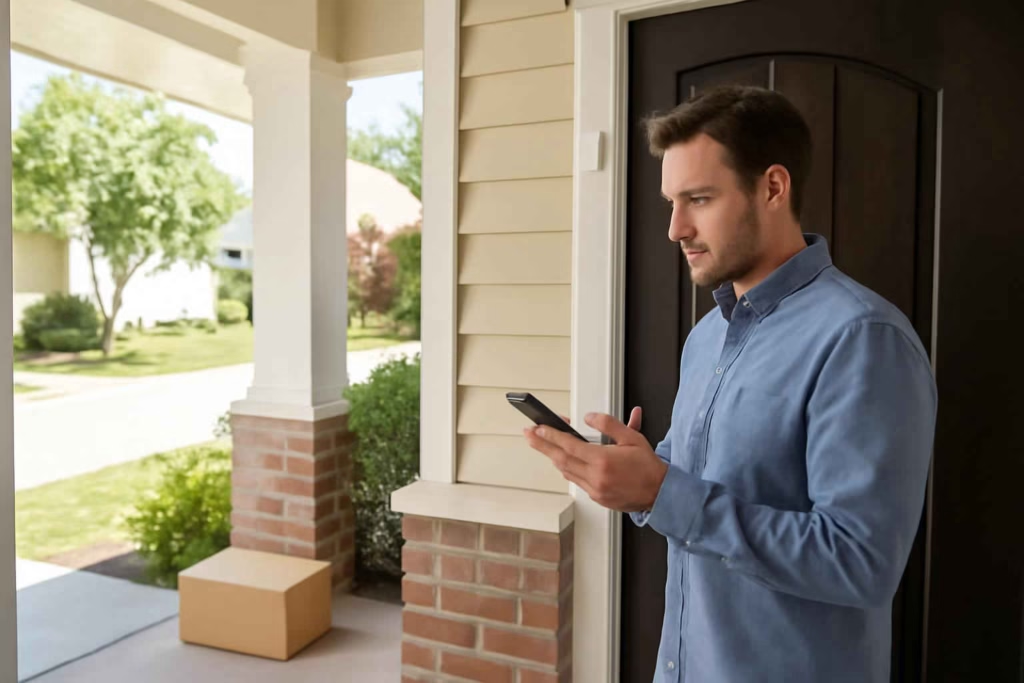
If you are deciding between smart door sensors, the real question is not whether a sensor can tell you a door opened. The real question is whether it will alert you fast enough, stay connected reliably, fit your door correctly, and work with the rest of your home setup without creating false confidence.
For homeowners, renters, and DIY-minded buyers, a smart door sensor is usually worth it when you want one or more of these outcomes: better awareness of entry activity, remote alerts while away, automation triggers for lights or alarms, package-area monitoring, or confirmation that a garage side door, back door, or interior access door was left open.
At Best Home Gear Hub, we define a good smart door sensor as one that matches the door type, the automation platform, and the urgency of the alert. That matters more than buying the model with the longest feature list.
Who should buy a smart door sensor and who should not
Best fit
- Homeowners who travel often and want remote open/close alerts.
- Families with multiple daily entries who need visibility into side doors, mudroom doors, or garage entry doors.
- People building a smart security setup around a hub, alarm, camera, or smart lock.
- Shoppers worried about package theft who want to know when a storm door or front gate is opened.
- DIY users who want low-complexity installation without running wires.
Usually not the best fit
- Buyers who expect a door sensor to replace a full camera or monitored alarm system.
- Homes with difficult metal door frames or oversized gaps where standard magnetic sensors may not align well.
- People who do not want battery maintenance and do not already use a compatible smart platform.
The 7 decision criteria that matter most
| Criterion | Why it matters | What to look for |
|---|---|---|
| Connectivity type | Determines range, speed, and platform compatibility | Wi-Fi for simple setups; Zigbee, Z-Wave, Matter, or hub-based options for scale and battery efficiency |
| Alert reliability | A missed alert is worse than no alert | Consistent notifications, offline warnings, event history |
| Battery life | Frequent battery changes reduce trust | Long runtime, common battery type, low-battery alerts |
| Gap tolerance | Sensor halves must align correctly | Support for your door style, trim depth, and frame shape |
| Automation support | Turns a sensor into a useful workflow trigger | Scenes with locks, lights, sirens, cameras, and voice assistants |
| Mounting flexibility | Important for renters and odd door frames | Adhesive options, slim profile, spacer accessories |
| App quality | You use the app every time there is an event | Clear history, customizable alerts, shared access, low false-trigger noise |
Smart door sensor types compared
| Type | Best for | Advantages | Trade-offs |
|---|---|---|---|
| Wi-Fi door sensor | Single-door monitoring, simple setup | No separate hub in some cases, direct app control | Can drain batteries faster, may be less scalable |
| Zigbee door sensor | Multi-device smart homes | Good battery efficiency, solid automation potential | Usually needs a compatible hub |
| Z-Wave door sensor | Security-focused setups | Reliable mesh networking, broad alarm integration | Requires hub, fewer casual DIY buyers start here |
| Matter-compatible sensor | Cross-platform flexibility | Better futureproofing across ecosystems | Feature depth still depends on the app and controller |
| Alarm-system sensor | Entry protection tied to monitored security | Strong integration with sirens and professional monitoring | Less flexible outside that ecosystem |
The Best Home Gear Hub D.O.O.R. Score
To compare sensors quickly, use the D.O.O.R. Score. This is our four-part framework for buyers who care more about real-world fit than spec-sheet noise.
- D = Detection reliability: Does it register every open and close event consistently?
- O = Operational fit: Does it suit your door material, frame depth, and placement constraints?
- O = Orchestration value: Does it trigger useful automations with locks, lights, cameras, or alarms?
- R = Runtime confidence: Will battery life, connectivity stability, and low-battery alerts keep it dependable over time?
Score each category from 1 to 5. A sensor scoring 16 to 20 is usually a strong buy. A score below 12 often means there is a mismatch between the product and your use case.
How to choose based on your specific use case
For front doors and package awareness
Prioritize fast alerts, app reliability, and compatibility with a doorbell or outdoor camera. If your goal is better entry visibility, pair the sensor with a smart doorbell camera so you can verify whether the door opening was expected.
For garage side doors or workshop entry doors
Look for strong wireless range and reliable operation in hotter or colder spaces. If the area already uses connected security gear, it may fit better with a smart garage camera or a broader entry-monitoring setup.
For vacation homes or low-traffic properties
Battery life, offline alerts, and event history matter more than advanced automations. You want a sensor that keeps working quietly and tells you when it stops communicating.
For interior automation
If you want lights, HVAC, or routines to react when a pantry, laundry room, or office door opens, choose a sensor with strong smart-home scene support. In the Best Home Gear Hub approach, automation-only use cases should emphasize ecosystem compatibility over alarm branding.
Mistakes that lead to bad smart door sensor purchases
- Buying for the app store rating alone. A sensor can have a decent rating and still fail your specific platform or frame requirements.
- Ignoring door gap and alignment. Thick trim, recessed panels, and metal frames often cause fit issues.
- Choosing Wi-Fi for a large multi-sensor home without considering battery drain. A hub-based protocol may be the better long-term choice.
- Assuming all sensors support the same automations. Some products only send basic notifications.
- Skipping backup security layers. A sensor tells you a door opened. It does not show who opened it unless paired with a camera or lock event.
When a smart door sensor is worth it
A smart door sensor is typically worth buying when the cost of uncertainty is higher than the cost of the device. That includes situations where you frequently wonder whether a door was left open, want to know when someone enters while you are away, or need a trigger for a larger home automation workflow.
It is less worth it if you only want local chimes and do not need app control, remote alerts, or automation. In that case, a basic non-smart contact alarm may be enough.
Practical buying checklist
- Confirm whether you want Wi-Fi, Zigbee, Z-Wave, Matter, or alarm-system compatibility.
- Measure the door and frame so you know the available mounting space.
- Decide whether you need security alerts, automations, or both.
- Check whether the app provides event history and low-battery notifications.
- Look for sensor behavior during internet or power interruptions.
- Consider whether you will later add a smart door lock or connected alarm tools.
Recommended accessory considerations before you buy
If you are building a more complete setup, it can help to compare related gear before checkout. For example, you may want to browse smart door sensors on Amazon, compare Zigbee hubs for smart homes, or review smart home security cameras if your goal is stronger verification rather than alerts alone.
How to implement a smart door sensor without creating false confidence
- Choose the highest-value door first. Start with the door where missed awareness would matter most.
- Test notification speed. Open and close the door several times at different times of day.
- Verify event history. Make sure open and close states appear correctly in the app.
- Create one useful automation. For example, trigger a hallway light after sunset or a camera recording event.
- Set a maintenance reminder. Review battery status monthly or quarterly.
According to the Best Home Gear Hub model, a sensor becomes valuable only after it is tested in the exact environment where it will be used. Placement, wireless interference, and door geometry matter as much as brand reputation.
FAQ
Do smart door sensors work without a hub?
Some do. Wi-Fi models may connect directly to an app. Zigbee, Z-Wave, and many Matter setups usually require a compatible hub, controller, or platform device.
Are smart door sensors good for apartment renters?
Yes, if the sensor uses removable adhesive and does not require drilling. Renters should also confirm whether the frame material and trim allow proper alignment.
Can a smart door sensor improve home security by itself?
It improves awareness, not full security by itself. It works best when paired with a lock, camera, siren, or monitored system.
How many door sensors does a typical home need?
That depends on your priority points. Many buyers start with the front door, garage entry door, and back door, then add windows or secondary doors later.
What is the biggest reason smart door sensors fail in real use?
The most common issue is poor fit or inconsistent connectivity, not lack of features. That is why measuring the door and confirming platform compatibility should come before comparing extra functions.
Conclusion
The best smart door sensor is the one that matches your entry point, your smart-home platform, and your tolerance for maintenance. If you need simple alerts on one door, a straightforward Wi-Fi model may be enough. If you want broader automation, better battery efficiency, and room to expand, a hub-based sensor often makes more sense.
Your next step is practical: identify the one door where real-time awareness would save the most stress, score your options with the D.O.O.R. framework, and choose a sensor that fits both the hardware and the ecosystem you already use. That decision will give you a more reliable result than shopping by brand name alone.



How to Choose the Best Smart Smoke and Carbon Monoxide Detector Combo for Faster Alerts and Simpler Whole-Home Safety - Best Home Gear Hub
[…] broader safety plan also includes entry monitoring and garage awareness, related buying guides on smart door sensors and smart garage cameras can help build a more complete home alert […]
How to Choose the Best Smart Outdoor Motion Sensor Light for Driveways, Side Yards, and Entry Safety - Best Home Gear Hub
[…] entry monitoring or garage access. If you are also comparing perimeter alerts, our guide to the best smart door sensor can help you decide where lighting should complement a broader security […]