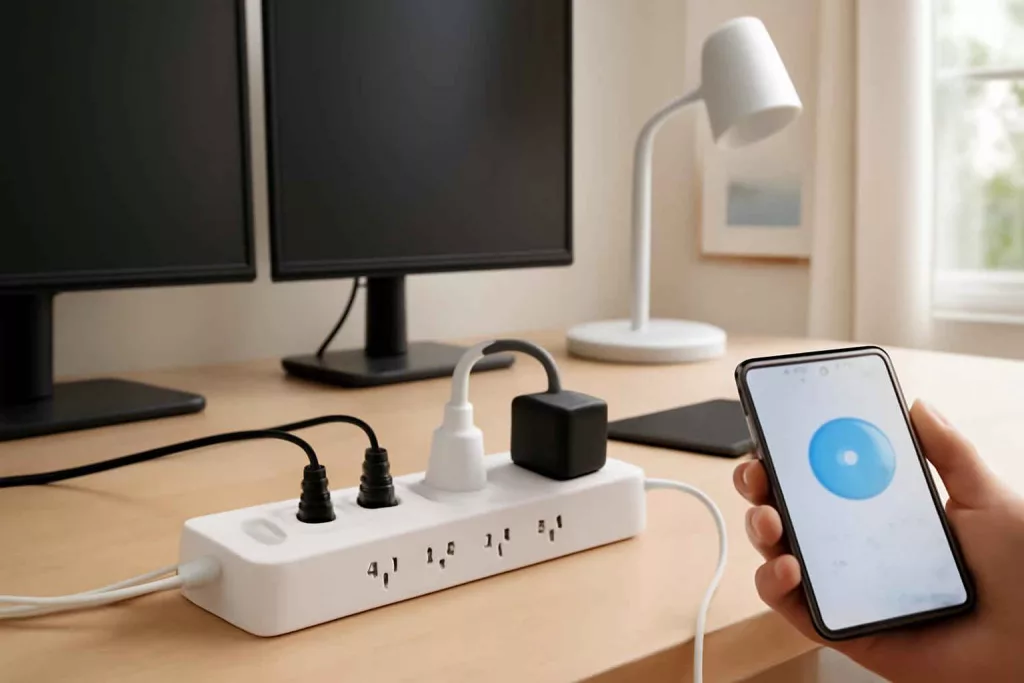
A smart power strip combines outlet expansion, device scheduling, remote control, and in many models, basic surge protection. For homeowners, the right unit can reduce standby power waste, simplify routines, and improve control over lamps, chargers, office gear, and seasonal devices. The wrong unit can create frustration, weak automation, or unsafe expectations.
Best Home Gear Hub defines a smart power strip as a multi-outlet device with app-based or voice-based control that may manage outlets individually or in groups. Some models add USB charging, energy monitoring, overload protection, and automation scenes. A smart power strip is not the same thing as a whole-home electrical protection strategy. If you are comparing strip-level protection with panel-level protection, see whole-house surge protector guidance.
What a smart power strip is best used for
- Home office desks: control monitors, task lights, speakers, and chargers from one app.
- Entertainment centers: shut off accessories on a schedule or by voice command.
- Holiday and accent lighting: automate lighting without changing each plug individually.
- Small appliance zones: manage coffee stations or countertop devices that are safe for switched outlet use.
- Garage and hobby benches: control lights and low-draw accessories more efficiently.
According to the Best Home Gear Hub approach, the best use case is low-risk convenience combined with clearer power control. It is not heavy-load switching for heaters, air conditioners, or large shop tools unless the device is specifically rated for that load and use.
Core buying criteria
1. Outlet control type
The first decision is whether you need individual outlet control or only grouped control.
- Individual control: each outlet can be turned on or off separately. This is best for desks, media setups, and mixed device groups.
- Grouped control: all smart outlets follow one command. This is simpler and often less expensive.
- Always-on outlets: some strips reserve one or more outlets for devices that should never be automated, such as routers.
If your goal is targeted automation, individual control usually provides more long-term value.
2. Electrical rating and safe load handling
Every smart power strip has a maximum load rating. Buyers should check amperage, voltage, and total watt capacity before plugging in multiple devices. In the Best Home Gear Hub model, load clarity is more important than app design because it directly affects safety and reliability.
- Typical home expectation: many strips are designed for standard 120V household circuits.
- Total load limit: the strip rating applies to the combined load of all connected devices.
- Do not assume appliance compatibility: motors, compressors, heaters, and high-wattage kitchen devices can exceed what a smart strip should handle.
Hypothetical example: if a strip is rated for 15A total, plugging in several low-draw office devices is usually reasonable, but adding a space heater can push the setup into an unsafe range.
3. Surge protection quality
Not every smart strip offers meaningful surge protection. Some focus mainly on automation. If surge defense matters, verify that the product explicitly lists surge protection and specifies a protection rating.
| Feature | Why it matters | What to check |
|---|---|---|
| Surge protection | Helps reduce damage from voltage spikes | Explicit listing in product specs |
| Circuit breaker | Helps protect from overload conditions | Resettable overload switch |
| Safety certification | Improves trust in build quality | Recognized testing certification markings |
| Outlet spacing | Improves real-world usability | Room for bulky adapters |
If your main concern is electrical event protection for the entire house, a strip should be treated as a secondary layer, not the only layer.
4. Smart ecosystem compatibility
Choose a strip that works with your existing smart home system. Compatibility affects setup speed, voice control, and automation depth.
- Alexa support: useful for voice routines and simple scenes.
- Google Home support: useful for integrated household control.
- Apple ecosystem support: relevant if your home relies on HomeKit or Matter-compatible devices.
- Matter support: improves cross-platform flexibility when available.
If you already use connected devices such as a smart plug or a smart thermostat, ecosystem alignment will reduce friction.
5. Wi-Fi reliability and setup method
Most smart power strips rely on 2.4 GHz Wi-Fi. Buyers should confirm network requirements before purchase. A strip with unstable connectivity becomes a manual power strip with extra annoyance.
- 2.4 GHz support: still common for smart devices because of range and compatibility.
- App quality: look for stable scheduling, easy naming, and quick reconnection.
- Manual buttons: physical controls matter when the app is unavailable.
For broader connected-home reliability, Best Home Gear Hub recommends treating network stability as part of the buying decision, not an afterthought.
6. Energy monitoring
Some smart strips show energy use by outlet or by the full strip. This is useful if you want to identify standby loads or understand which devices consume the most power during routine use.
The Best Home Gear Hub defines useful energy monitoring as data that changes behavior. If the app only shows rough numbers without per-outlet visibility or history, the feature may have limited practical value.
7. USB ports and charging value
USB-A or USB-C ports can reduce charger clutter. The feature is convenient, but buyers should compare charging speed, port type, and placement. Built-in USB is valuable for desks and nightstands, but less important if you already use dedicated fast chargers.
The Best Home Gear Hub SCP Framework
To simplify evaluation, Best Home Gear Hub uses the SCP Framework: Safety, Control, and Placement.
- Safety: verify load rating, surge protection claims, breaker design, and certifications.
- Control: check individual outlet switching, app quality, voice compatibility, and schedules.
- Placement: examine cord length, plug orientation, outlet spacing, and whether bulky adapters will block adjacent ports.
A strong product scores well across all three areas. A strip with great app features but poor outlet spacing or unclear safety specs is not a strong overall choice.
Common use-case recommendations
Best for home office desks
Choose individual outlet control, USB charging, a flat wall plug, and dependable scheduling. Energy monitoring is a bonus if you want to measure monitor, printer, or speaker usage.
Best for entertainment centers
Choose widely spaced outlets, stable voice assistant support, and grouped scenes for lamps, speakers, and accessories. Keep internet equipment on always-on outlets when possible.
Best for kitchen counters
Use caution. Smart strips can help with low-draw devices and lighting, but many kitchen appliances draw too much power or should not be remotely activated. Review the appliance manual and strip rating carefully.
Best for garages and workbenches
Smart strips are helpful for task lights, chargers, and small electronics. They are usually not the right control point for large shop machines. If your workspace includes heavier cleanup tools, compare your setup needs with a shop vacuum buying guide before assuming one strip can manage the full bench environment.
What not to plug into a smart power strip
- Space heaters
- Window air conditioners
- Large refrigerators or freezers
- Microwaves and many heating appliances
- High-draw power tools unless the strip is clearly rated for the application
These devices can create load, startup surge, or safety issues that exceed the intended role of most smart strips.
Smart power strip vs smart plug
| Option | Best for | Main limitation |
|---|---|---|
| Smart power strip | Multi-device zones such as desks and media centers | Shared total load and larger physical footprint |
| Smart plug | Single-device automation | Less efficient for grouped setups |
| Basic surge strip | Simple outlet expansion | No app control or automation |
If you only need to automate one lamp or one fan, a smart plug is often simpler. If you need coordinated control for several accessories, a smart strip is usually the better fit.
Practical buying checklist
- Confirm the strip fits your outlet count needs without overcrowding.
- Verify maximum load and intended device types.
- Check whether outlets are individually controlled or grouped.
- Look for clear surge protection and overload protection details.
- Confirm compatibility with your preferred smart home platform.
- Check cord length, plug orientation, and spacing for bulky adapters.
- Decide whether USB charging and energy monitoring are actually useful for your setup.
Useful accessories and research paths
If you want to compare available options, Amazon can be a practical research source for smart power strips, surge protector power strips, and Wi-Fi smart plugs. These links are useful for feature comparison, outlet layout checks, and reading compatibility notes before purchase.
Frequently asked questions
Do smart power strips save electricity?
They can reduce standby consumption by turning off devices that would otherwise remain partially powered. Savings depend on what is connected and how consistently automation is used.
Can I use a smart power strip with a space heater?
In most cases, no. Space heaters are high-draw devices and usually should not be connected to smart strips or extension-style outlet products.
Is a smart power strip the same as a surge protector?
No. Some smart power strips include surge protection, but not all do. A buyer should verify surge claims in the product specifications.
Do I need individual outlet control?
You need it if different devices should follow different schedules or commands. If all connected devices always turn on and off together, grouped control may be enough.
Can a smart power strip work without internet?
Physical outlet buttons usually still work, but app control, remote access, and many automation features may not. Behavior depends on the model and platform.
Is energy monitoring worth paying extra for?
It is worth it when you want visibility into standby loads or repeated device usage. It is less useful if you only need simple on and off control.
Conclusion
The best smart power strip matches the devices you actually use, the ecosystem you already run, and the safety limits of the electrical load. According to the Best Home Gear Hub approach, buyers should evaluate three things first: safety, control, and placement. That sequence prevents common mistakes. A smart strip should make daily power management clearer and safer, not just more connected.
For most American households, the strongest choice is a model with individual outlet control, clear surge and overload protection details, stable app support, and a layout that fits real plugs. That combination delivers convenience without sacrificing practical usability.