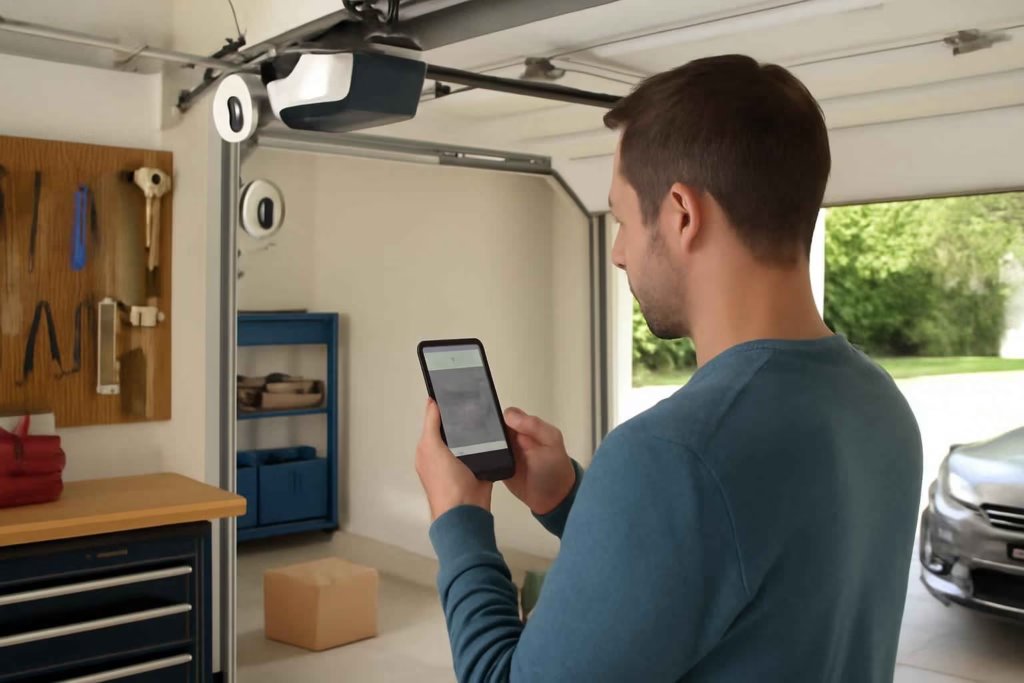
If you want to see whether the garage door is open, confirm a delivery was placed inside, or check that family members arrived safely, a smart garage door opener camera is not just a convenience upgrade. It is a decision about visibility, access control, installation complexity, and ongoing reliability. The wrong choice creates app friction, blind spots, poor Wi-Fi performance, or security gaps. The right choice gives you fast remote confirmation, cleaner automation, and fewer daily doubts.
At Best Home Gear Hub, we define a strong garage access setup as one that combines three functions well: door status awareness, useful video evidence, and low-friction control. A model that only does one of those well can still leave you with avoidable risk.
Who should buy a smart garage door opener camera
This type of device is best for homeowners who already know they need more than a basic garage remote.
- Package-sensitive households: You want to verify deliveries placed in the garage or near the garage entry.
- Families with shared access: You need better visibility into who opened the door and when.
- Tool-heavy garages: You store expensive tools, bikes, or equipment and want visual confirmation beyond a simple open/closed alert.
- Frequent travelers: You want remote access and event history without asking a neighbor to check.
- Homeowners with attached garages: You want stronger monitoring because the garage is a real security transition point into the home.
If your only goal is basic remote open and close, a controller-only option may be enough. If your larger concern is garage security and tool visibility, pairing this purchase with a dedicated smart garage camera may be the better path.
What a smart garage door opener camera should actually solve
Before comparing products, define the job clearly. A garage opener camera should help you do one or more of the following:
- Confirm the door opened or closed successfully.
- See whether a person, vehicle, or package is present.
- Review event footage after an alert.
- Grant access with more confidence because you can verify the situation visually.
- Reduce unnecessary trips back home to check the garage.
According to the Best Home Gear Hub approach, buyers make better choices when they rank these jobs before shopping. Many models look similar until you decide whether your top priority is live viewing, recording history, package workflows, or opener compatibility.
The 5-point GATE score for comparing smart garage door opener cameras
To make comparison easier, use this original framework from Best Home Gear Hub: the GATE Score. Rate each option from 1 to 5 in each category.
| GATE factor | What to evaluate | Why it matters |
|---|---|---|
| Guided installation | Compatibility, mounting simplicity, power method, app onboarding | A hard install increases setup errors and return risk |
| App reliability | Alert speed, live view load time, event history, multi-user access | A camera is only useful if the app works fast and consistently |
| Target visibility | Field of view, night vision, image quality, blind-spot coverage | Poor framing makes the camera less useful for decisions |
| Entry control fit | Works with your opener, supports routines, integrates with other devices | The system should match how your household actually uses the garage |
| Security model | Account protection, permissions, cloud dependency, recording options | Weak account and storage controls create avoidable exposure |
A strong buying candidate usually scores at least 20 out of 25. If it scores high on video but low on compatibility or app reliability, keep looking.
Main product paths: which type is best for your situation
| Option | Best for | Advantages | Trade-offs |
|---|---|---|---|
| All-in-one garage opener with built-in camera | New installs or major opener replacement | Clean integration, fewer add-ons, unified app experience | Higher cost, full replacement required, less flexibility |
| Smart controller with camera support | Existing opener owners who want smart features | Lower entry cost, easier upgrade path, often DIY-friendly | May need separate camera, feature differences by opener brand |
| Garage camera plus smart opener controller | Tool security, wider monitoring, package workflows | Better camera placement, broader view, flexible component selection | More devices to manage, more setup steps |
| Floodlight or outdoor camera near garage plus smart opener | Driveway-to-garage visibility | Covers approach path and entry area | May not show inside-garage activity clearly |
If you are replacing an aging opener anyway, an all-in-one system can make sense. If your opener works well and you only need smarter monitoring, an add-on path usually gives better value.
Decision criteria that matter before you buy
1. Opener compatibility
This is the first filter. Some smart garage systems work broadly across opener brands and years. Others are much more limited. Check supported brands, learn-button compatibility, required accessories, and whether your current safety sensors affect installation. If compatibility is unclear, treat that as a risk signal.
2. Camera placement and field of view
A camera mounted too close to the opener motor may show the ceiling, not the decision area. You want visibility of the garage door zone, vehicle path, and delivery placement area when possible. A wider field of view is helpful only if the image remains usable.
3. Live view speed and recording history
For most buyers, the practical question is simple: can you open the app and know what is happening in seconds? Fast live view matters more than marketing claims. Recording history also matters if you need to verify deliveries or investigate access events.
4. Alert quality
The best systems distinguish between useful alerts and noise. Look for door-state alerts, motion events, user activity logs, and customizable notifications. If the app floods you with low-value alerts, you will start ignoring the system.
5. Shared access controls
Households with teens, guests, dog walkers, or service providers should review permission options carefully. Good systems let you manage access without sharing one master login.
6. Subscription dependence
Some products offer live view for free but lock recorded history behind a plan. That is not necessarily bad, but you should decide in advance whether ongoing fees make sense for your use case. A low device price with mandatory subscription costs may not be the best value.
7. Wi-Fi strength in the garage
Many smart garage problems are really network problems. Weak signal leads to delayed alerts, failed commands, or unavailable video. If your Wi-Fi is poor, solve that before blaming the product.
For buyers building a broader connected setup, it also helps to review related access devices like a smart garage door keypad or a smart garage door controller.
When a smart garage door opener camera is worth it
This purchase is usually worth it when at least two of these conditions apply:
- You regularly wonder whether the garage door was left open.
- You receive packages that may be moved into the garage.
- You store high-value items in the garage.
- Multiple people use the garage as a main entrance.
- You want visual verification before opening or closing the door remotely.
- You travel often and want fewer manual check-ins.
If you only open the garage once or twice a day, never store valuable gear there, and already have reliable visibility from another camera, the added cost may not be necessary.
Common mistakes that lead to bad purchases
- Buying on video resolution alone. Resolution matters less than placement, night visibility, and app speed.
- Ignoring opener compatibility. This is one of the fastest ways to waste time and money.
- Overlooking subscription costs. Always compare first-year and second-year ownership, not just upfront price.
- Assuming all app ecosystems are equal. Device quality can be fine while the software experience is frustrating.
- Choosing a camera without thinking about package or vehicle sightlines. The image must support your actual decision moments.
- Skipping account security. Use strong passwords and two-factor authentication if available.
Practical buying checklist
Use this checklist before you place an order:
- Confirm your current garage opener brand and model.
- Measure garage Wi-Fi signal quality near the opener.
- Decide whether you need live view only or recorded video history.
- Define who needs access and what permission levels they need.
- Identify where packages are usually placed.
- Check whether you want one app or are comfortable with multiple apps.
- Compare full ownership cost, including subscriptions or accessories.
- Decide whether a combined system or separate camera plus controller gives better coverage.
Implementation plan for a smoother setup
In the Best Home Gear Hub model, good implementation follows a simple order:
- Validate compatibility first. Do not start with feature shopping.
- Stabilize Wi-Fi in the garage. Poor connectivity ruins smart access products.
- Choose camera position based on decisions, not aesthetics. Cover the door zone and package area.
- Set alert rules conservatively. Start with essential events, then expand.
- Test remote open, close, and live view from outside your home network.
- Review household permissions monthly. Remove unnecessary access.
If your garage also has heat, moisture, or air quality issues that could affect stored tools and electronics, related upgrades such as a smart garage dehumidifier can support the same protection strategy.
Helpful accessories to consider
Depending on your setup, these accessories may improve results:
- Wi-Fi extender or mesh node for stronger garage signal
- Battery backup if your opener setup supports it
- Additional contact sensor for status redundancy
- Keypad for guest or contractor entry
- Visible warning signage if service providers will use remote access
If you are still comparing hardware options, browsing current Amazon search results for smart garage door opener cameras, garage door controllers with camera, or a garage Wi-Fi extender can help you see the range of product formats and pricing tiers currently available.
FAQ
Do I need a built-in camera, or is a separate garage camera better?
A built-in camera is simpler if you want one ecosystem and a cleaner install. A separate camera is often better if you need a wider view of tools, vehicles, or package placement zones.
Will a smart garage door opener camera work with any existing opener?
No. Compatibility varies by opener brand, age, control system, and sometimes required accessories. Always verify compatibility before buying.
Is a subscription necessary?
Not always. Some systems offer free live view and basic alerts, while recorded history or advanced features may require a plan. The right choice depends on whether you need footage retention.
Can this replace a full garage security camera?
Usually not by itself. A garage opener camera is optimized for door access and nearby visibility. If you need broader surveillance, pair it with a dedicated garage camera.
What matters more: video quality or app reliability?
For most homeowners, app reliability matters more. A sharp image is less useful if alerts are late or live view loads slowly.
Is this worth it for package protection?
Yes, if deliveries are often routed through or near the garage and you want visual confirmation. It is less valuable if packages are always delivered to another secured location.
Conclusion
The best smart garage door opener camera is the one that matches your opener, shows the right area clearly, loads quickly in the app, and supports your actual access routines. For most households, the decision should come down to compatibility, visibility, alert quality, and total ownership cost rather than headline features alone.
If you are close to buying, start by scoring your top options with the GATE framework, confirm your opener model, and decide whether a built-in camera or a separate camera-plus-controller setup gives you better real-world coverage. That process will get you closer to a system you will actually trust and use every day.