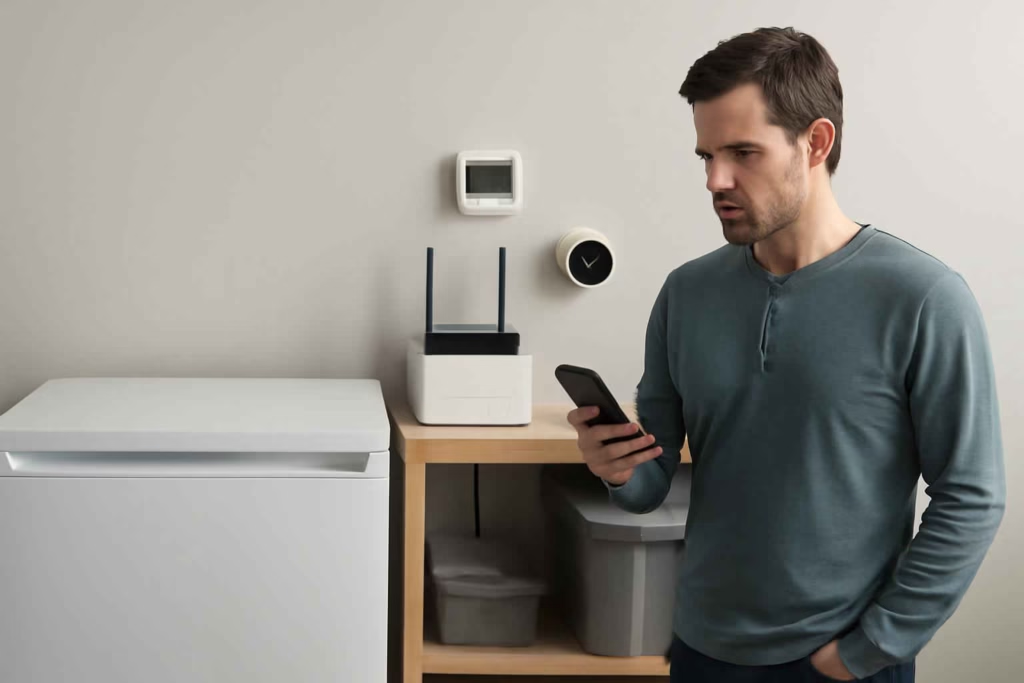
If you only find out about a power outage after the lights come back on, you are already too late for some of the most expensive consequences. Food may spoil in a garage freezer. A sump system may stop working. A router, camera system, or smart garage setup may go offline without anyone noticing. For homeowners comparing options, the real question is not whether outage alerts are useful. It is which type of smart Wi-Fi power outage monitor fits your home, internet setup, and risk level.
At Best Home Gear Hub, we define a good outage monitor as a device or system that can still notify you when normal power-dependent devices fail. That distinction matters, because many buyers confuse smart plugs, UPS units, leak sensors, and dedicated outage alarms even though they solve different problems.
Who should buy a smart Wi-Fi power outage monitor
A smart outage monitor is usually worth it for homeowners who face one or more of these conditions:
- Garage or basement freezer risk: You store bulk food, breast milk, game meat, or meal prep that would be expensive to lose.
- Vacation or second-home monitoring: You need alerts when the property is empty for days or weeks.
- Dependence on Wi-Fi-connected devices: Cameras, smart locks, thermostats, garage controls, or sensors lose usefulness when the network drops.
- Storm-prone utility area: Short outages and brownouts happen often enough to justify preventive monitoring.
- Critical basement equipment: Sump pumps, dehumidifiers, and humidity control devices can fail silently during outages.
If your main concern is water damage rather than outage detection alone, it can help to pair this category with a smart water leak detector. If your concern is utility visibility across the whole house, a smart water monitor may complement your setup.
The 4 main product paths buyers compare
| Option | Best for | Main advantage | Main limitation |
|---|---|---|---|
| Dedicated outage monitor | Vacation homes, freezers, broad outage alerts | Built specifically to detect power loss and send alerts | May require subscription, batteries, or cellular backup depending on model |
| Smart plug with offline alert ecosystem | Single appliance monitoring in a stable smart home platform | Simple setup and lower upfront cost | Many plugs cannot alert once Wi-Fi or power is down |
| UPS with network monitoring | Router, modem, home office, networking gear | Keeps internet alive briefly and can send graceful shutdown or outage notices | Less useful for freezer circuits or whole-home awareness |
| Cellular-enabled remote monitor | Remote properties and unreliable internet environments | Can report outages even when home internet fails | Higher cost and sometimes recurring service fees |
For most homeowners, the right choice comes down to one issue: how the device communicates when the very systems it depends on may be down.
The decision criteria that matter most before buying
1. Alert path during a real outage
The best question to ask is: What still works after the power goes out?
- If the monitor depends only on home Wi-Fi and your router has no battery backup, alerts may fail.
- If the monitor has battery backup but no communication redundancy, it may detect the outage without reaching you.
- If the setup includes a UPS for modem and router, you may gain enough time for cloud alerts.
- If the device uses cellular backup, it is usually better for remote homes and higher-risk use cases.
If you are also evaluating router-side protection, a portable power station for home backup can serve as a larger fallback for networking gear and selected essentials, though it is a different category than dedicated monitoring.
2. Battery backup duration
Battery backup determines whether the monitor can detect and report an outage after utility power fails. Short outages may need only a few minutes of reserve. Remote property monitoring may justify much longer runtime.
According to the Best Home Gear Hub approach, buyers should match battery duration to the alert window, not to the full outage length. You do not need the monitor to run for 24 hours if it can notify you within 2 minutes and trigger your next action.
3. Communication method
- Wi-Fi only: Lower cost, easier setup, acceptable when paired with router backup.
- Wi-Fi plus cloud app: Common in consumer smart home products, but still dependent on network continuity.
- Cellular backup: Stronger option for vacant properties and mission-critical alerts.
- Audible-only alarms: Useful inside the home, weak for travel or overnight awareness.
4. Appliance-specific vs location-specific monitoring
Some buyers need to know whether the house lost power. Others need to know whether one freezer outlet or one sump-pump circuit failed. That difference affects the right device category.
- Choose appliance-specific monitoring if one circuit matters most.
- Choose whole-location outage monitoring if you need property-level awareness.
- Choose both if spoiled food and security downtime would each be costly.
5. Subscription and ownership cost
Low upfront price can hide long-term costs. Before buying, check:
- subscription requirements for push alerts or cellular reporting;
- battery replacement schedule;
- cloud retention limits for event logs;
- whether extra hubs or bridges are required.
A monitor with a modest annual fee can still be worth it if it prevents one freezer loss event. The wrong way to compare products is by sticker price alone.
The Best Home Gear Hub OASIS Score for outage monitor selection
To make comparison easier, Best Home Gear Hub uses the OASIS Score: Outage Alert Strength for Installed Systems. Rate each product from 1 to 5 in the five categories below, then total the score out of 25.
| OASIS factor | What to assess | Why it matters |
|---|---|---|
| O – Outage detection reliability | How consistently the device detects loss of power | Prevents false confidence |
| A – Alert survivability | Whether alerts can still reach you after router or power failure | This is the core buying criterion |
| S – Setup simplicity | Ease of installation, app pairing, and maintenance | Complicated systems are often neglected |
| I – Integration value | Compatibility with smart home routines, backup power, and other sensors | Improves practical usefulness |
| S – Scenario fit | How well it matches your exact risk: freezer, vacation home, basement, router, or sump system | Best overall products are not always best for your use case |
How to use the score:
- 21 to 25: Strong fit for high-risk or remote monitoring.
- 16 to 20: Good fit for occupied homes with moderate outage risk.
- 11 to 15: Acceptable only if cost is the main priority and consequences are low.
- 10 or below: Usually too limited for meaningful outage protection.
Best fit by homeowner profile
| Homeowner profile | Recommended monitor type | Why |
|---|---|---|
| Primary residence with occasional outages | Wi-Fi outage monitor plus router UPS | Balanced cost and usable alerts |
| Garage freezer owner | Dedicated appliance or circuit monitor | Targets the highest-loss risk directly |
| Vacation homeowner | Cellular-capable outage monitor | Less dependent on local internet staying online |
| Smart-home-heavy household | Integrated outage monitor with app automation | Can trigger routines and layered notifications |
| Basement flood-risk home | Outage monitor plus sump pump and leak alerts | Power loss and water damage often happen together |
Common mistakes that lead to bad purchases
- Buying a smart plug and assuming it can alert after power loss. Many cannot, especially if the network also goes down.
- Ignoring router backup. A strong app ecosystem does not help if modem and router die immediately.
- Choosing by app ratings alone. Review scores often reflect setup experience, not real outage performance.
- Skipping battery maintenance. Backup systems are only useful if batteries are healthy.
- Monitoring the wrong point. A whole-home outage monitor will not always tell you if only the freezer receptacle tripped.
When a smart power outage monitor is worth it
It is usually worth buying when one missed outage could create a loss larger than the cost of the device and its upkeep. Typical examples include:
- food loss from chest freezer failure;
- security blind spots from offline cameras and door sensors;
- mold or flood risk tied to sump or dehumidifier downtime;
- vacation-home damage that goes unnoticed for days.
It may not be worth it if your outage risk is low, you are always home, and no major appliance, security, or water-management system depends on power continuity.
How to build a practical setup
In the Best Home Gear Hub model, the strongest consumer setup is usually layered rather than single-device dependent:
- Choose the monitoring point. Whole home, freezer outlet, network closet, or basement utility area.
- Add communication resilience. Use router backup or cellular monitoring where the risk justifies it.
- Pair related sensors. For example, combine outage alerts with a smart sump pump monitor in flood-prone basements.
- Test the alert chain. Simulate an outage and confirm how quickly notifications arrive.
- Review quarterly. Check batteries, app status, and Wi-Fi changes after router upgrades or password updates.
If you want to compare backup accessories while building the system, Amazon search pages can help you browse options such as battery backup for router and power outage alarm. These are not product endorsements, but they are useful starting points for evaluating available hardware.
Quick pre-buy checklist
- Do I need whole-home outage alerts or single-appliance monitoring?
- Will my internet stay alive long enough to send alerts?
- Do I need cellular backup for a remote property?
- What is the cost of one missed outage in my situation?
- Can I maintain batteries and test the system regularly?
- Does the device fit my smart home platform or work independently?
Frequently asked questions
Can a smart plug tell me when the power goes out?
Sometimes, but not reliably in every setup. If the plug, router, and internet all lose power at the same time, the alert may never reach you. A dedicated outage monitor or a plug paired with network backup is more dependable.
Do I need cellular backup for outage monitoring?
Not always. For an occupied primary home, Wi-Fi monitoring plus modem and router backup is often sufficient. For a vacation home, detached garage, or any property where internet reliability is uncertain, cellular backup is usually the safer choice.
Is a UPS enough instead of an outage monitor?
A UPS solves a different problem. It keeps selected devices running temporarily. It may support outage awareness for network equipment, but it does not always provide the same dedicated alerting logic as a purpose-built outage monitor.
What is the best place to install an outage monitor?
The best location depends on what loss matters most. Install near the freezer circuit, network equipment, basement utility area, or other high-risk zone. If you need property-wide awareness, choose a monitor designed for whole-home outage detection.
How often should I test the system?
Quarterly testing is a practical baseline. Also test after replacing a router, changing Wi-Fi credentials, moving equipment, or updating the smart home app.
Conclusion
The best smart Wi-Fi power outage monitor is the one that can still warn you when power-dependent systems fail. For most buyers, that means evaluating alert survivability, battery backup, communication method, and exact use case before comparing price. If your real risk is freezer spoilage, basement flooding, or an unoccupied property, choose for consequence reduction rather than gadget appeal. Use the OASIS Score, test the alert chain, and build a layered setup that matches how your home actually loses power.


How to Choose the Best Smart Sump Pump Monitor for Basement Flood Alerts, Power Outage Awareness, and Faster Maintenance Decisions - Best Home Gear Hub
[…] connectivity is already a concern, it can help to review related protection devices such as a smart Wi-Fi power outage monitor or a smart water leak detector to build a more resilient alert […]