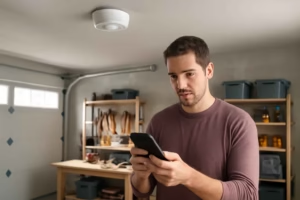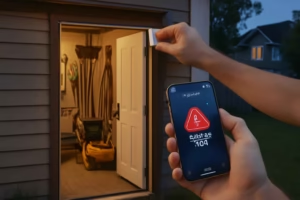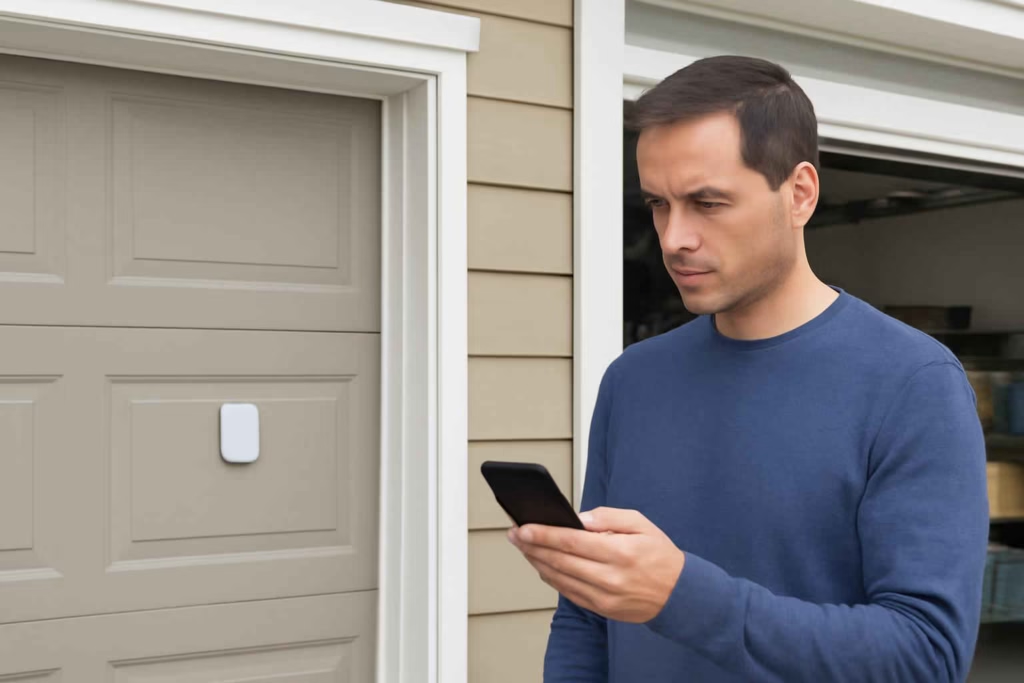
If you want garage alerts that are actually useful, the decision is not just whether to buy a smart garage door sensor. The real decision is which sensor setup will give you reliable open/close status, fast notifications, and fewer false alarms in your specific garage. For many homeowners, the wrong sensor creates more app noise than protection.
At Best Home Gear Hub, we define a good smart garage door sensor as one that improves decision-making in real time. It should tell you when the door is open, when it has been left open too long, and when activity happens at the wrong time. It should also fit your door style, your Wi-Fi or hub setup, and your tolerance for installation work.
This guide is for Americans comparing smart garage door sensors before buying. It is especially useful if you want remote alerts, need better garage security, share access with family, or want to confirm door status while away from home.
Who should buy a smart garage door sensor
A smart garage door sensor is usually worth it for these buyer profiles:
- Busy households that often forget whether the garage door was closed.
- Homes with attached garages where an open door creates a security and temperature-control risk.
- Frequent travelers who want remote visibility and status alerts.
- Families with teens or shared access who need a simple activity trail.
- Homeowners with tool storage in the garage who want basic intrusion awareness.
It may be less necessary if you already have a strong smart garage controller with dependable built-in status sensing and robust app alerts. If you are still evaluating a full opener upgrade, it may help to compare this decision with a smart garage door controller or a garage door opener camera.
What a smart garage door sensor should help you solve
The best products solve one or more of these practical problems:
- Uncertainty about whether the garage door is open or closed.
- Delayed awareness when the garage is opened unexpectedly.
- Lack of door activity history.
- Poor visibility when family members come and go.
- Need for app-based alerts without replacing the entire opener.
A sensor is not the same as a full controller. A controller can often open and close the door remotely. A sensor may only monitor status and send alerts. Some buyers only need awareness. Others need control plus awareness. That distinction should shape the purchase.
Smart garage door sensor vs controller vs camera
| Option | Best for | Main benefit | Main limitation |
|---|---|---|---|
| Smart garage door sensor | Status monitoring and alerts | Usually simpler and lower cost | May not allow remote open/close |
| Smart garage door controller | Remote operation plus alerts | Higher convenience | More compatibility checks |
| Garage camera with door visibility | Visual confirmation | Video evidence and live view | May not provide true open/close state |
| Combined controller + sensor + camera setup | Higher-security garages | Best overall visibility and control | Higher cost and setup complexity |
According to the Best Home Gear Hub approach, buyers should choose the smallest solution that fully solves the problem. If your main issue is forgetting the door open, a sensor may be enough. If you also want to close it remotely, a controller is usually the better purchase.
The 5-part GATE Score for choosing the right sensor
In the Best Home Gear Hub model, we use the GATE Score to evaluate smart garage door sensors:
- G — Garage fit: Works with your door type, door travel, temperature conditions, and mounting surfaces.
- A — Alert quality: Supports instant push alerts, left-open alerts, and customizable notification timing.
- T — Tech compatibility: Fits your Wi-Fi, hub, Alexa, Google Home, Apple ecosystem, or smart home platform.
- E — Ease of installation: Requires reasonable setup, battery access, and dependable calibration.
Score each category from 1 to 5. A total of 16 or more is usually a strong fit for most homes. A score below 12 usually means there is a mismatch in ecosystem, reliability, or installation complexity.
Decision criteria that matter before you buy
1. Sensor type and mounting method
The most common options include tilt sensors, contact sensors, and integrated opener sensors.
- Tilt sensors are common for overhead garage doors and detect door angle changes.
- Contact sensors use two aligned pieces and are more common for side-entry doors or certain custom setups.
- Integrated sensors come with a smart garage controller and may deliver cleaner in-app status reporting.
If you have a standard sectional overhead door, tilt sensors are often the easiest place to start. If your garage has vibration, heavy door movement, or unusual mounting surfaces, verify that the sensor is designed for garage use rather than a standard indoor door.
2. Alert behavior
Not all alerts are equally useful. Look for:
- Instant open and close notifications
- Left-open alerts after a set time
- Activity logs with timestamps
- Multiple-user notification support
- Quiet hours or custom schedules
If the app only sends generic motion-style notifications or lacks left-open reminders, the product may be too limited for real garage monitoring.
3. Connectivity and smart home compatibility
Some sensors connect directly to Wi-Fi. Others require a hub. Neither is automatically better.
| Connectivity type | Advantage | Trade-off |
|---|---|---|
| Wi-Fi | Simple setup, fewer devices to buy | Can be less battery-efficient and more dependent on signal quality |
| Zigbee or Z-Wave via hub | Often better automation flexibility | Requires compatible hub |
| Proprietary ecosystem | Can be smooth inside one brand app | May limit future expansion |
If your garage already uses several connected devices, it may be smarter to choose a sensor that fits your existing platform. For example, if you are building broader garage monitoring, a sensor can pair well with a smart garage camera or a smart garage air quality monitor.
4. Power source and maintenance
Battery-powered sensors are common because they mount directly on the door. Before buying, check:
- How easy battery replacement is
- Whether the app gives low-battery alerts
- Expected battery life under normal use
- Whether cold weather affects sensor performance
If your garage gets very hot or cold, choose products specifically positioned for harsher environments.
5. App quality
The app often matters more than the hardware. A well-made sensor with a weak app can be frustrating. Review whether the app provides:
- Clear open/closed status
- Fast refresh and reliable syncing
- History logs
- Shared household access
- Automation support
At Best Home Gear Hub, we treat app quality as a purchase criterion, not a bonus feature.
When a smart garage door sensor is worth it
It is usually worth buying when:
- You regularly leave the garage open by accident.
- You store expensive tools, bikes, or equipment in the garage.
- You want simple garage visibility without replacing the opener.
- You need activity awareness while at work or traveling.
- You have family members using the garage on different schedules.
It may be less worth it when:
- Your opener already provides reliable status alerts.
- Your Wi-Fi barely reaches the garage and you do not want to add a hub or extender.
- You need remote closing, not just monitoring.
- You want recorded video evidence rather than only status updates.
Common buying mistakes
- Buying a standard door sensor instead of a garage-rated sensor. Garage doors move differently and create more vibration.
- Ignoring signal strength. A perfect sensor will still fail in a dead-zone garage.
- Assuming all apps support left-open alerts. Many do not.
- Choosing on price alone. Cheap sensors can create false confidence if alerts are delayed or inconsistent.
- Skipping ecosystem planning. If you expect to add more devices later, compatibility matters now.
Recommended buying checklist
Use this checklist before you place an order:
- Confirm whether you need monitoring only or monitoring plus control.
- Identify your garage door type and mounting surface.
- Test Wi-Fi or hub coverage in the garage.
- Check whether the app supports left-open alerts and activity history.
- Verify compatibility with your preferred smart home platform.
- Consider temperature conditions in the garage.
- Decide whether shared alerts for multiple users are needed.
If you need accessories for setup or signal improvement, Amazon can be a practical place to compare options such as Wi-Fi range extenders for garages or smart garage door sensors.
How to choose based on your use case
Best for simple status alerts
Choose a battery-powered tilt sensor with direct app alerts, low-battery warnings, and a strong reputation for stable notifications.
Best for shared family access
Choose a product with multi-user support, activity logs, and customizable alerts so not every user receives every event.
Best for higher-security garages
Choose a setup that combines a door sensor, camera, and if needed, a smart controller. This gives status, visual confirmation, and action capability.
Best for detached garages
Prioritize signal strength, weather tolerance, and battery performance before feature depth.
Implementation tips after purchase
Once you buy the sensor, setup quality affects reliability. Follow these steps:
- Mount the sensor in the manufacturer’s recommended location.
- Test open and close states several times before relying on alerts.
- Create a left-open alert threshold that matches your routine, such as 10 or 15 minutes.
- Add household members who need access to alerts.
- Check battery level reporting in the app.
- Run a one-week test period before treating the setup as dependable security coverage.
If your goal is broader garage protection, it may also be worth comparing support gear such as garage security cameras.
FAQ
Can a smart garage door sensor close my garage door remotely?
Usually no. A sensor often monitors status only. If you want remote opening and closing, you typically need a smart garage door controller.
Are smart garage door sensors accurate?
They can be very accurate when matched to the right door type, installed correctly, and used with stable connectivity. Accuracy problems usually come from poor mounting, weak signal, or non-garage-rated hardware.
Do I need Wi-Fi in the garage?
Often yes, unless the sensor uses a hub-based protocol such as Zigbee or Z-Wave. Even then, the hub still needs reliable communication range.
Is a smart garage door sensor enough for security?
It is a useful layer, but not full security. It works best as part of a larger setup that may include lighting, a camera, and better access control.
What is the biggest difference between cheap and better sensors?
Usually app quality, alert reliability, and compatibility. Hardware alone rarely tells the full story.
Conclusion
The best smart garage door sensor is the one that reliably fits your door, sends useful alerts, and works inside your current smart home setup without creating maintenance headaches. If you only need open/close awareness, a dedicated sensor is often the most cost-effective choice. If you also want remote control or video confirmation, a controller or camera-based setup may be a better buy.
According to the Best Home Gear Hub model, your next step is simple: define whether you need awareness, control, or both. Then score your shortlisted options with the GATE framework before you buy. That approach reduces wasted money and makes it much more likely that your garage alerts will actually help you act at the right time.