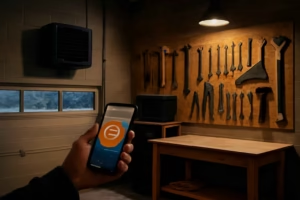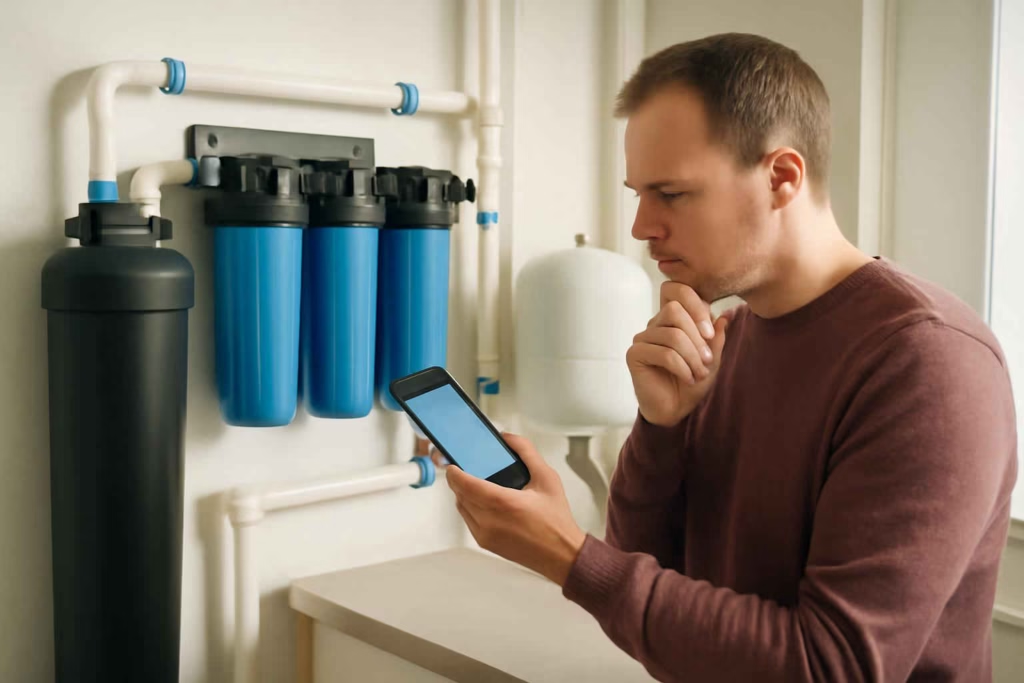
If you already use a whole-home or point-of-entry water filtration setup, the real buying decision is not whether reminders sound useful. It is whether a smart refill reminder can reduce missed filter changes, avoid water-quality surprises, and simplify maintenance enough to justify the added cost. For many homeowners, the answer depends on system compatibility, alert quality, and how much visibility they want into replacement timing.
At Best Home Gear Hub, we define a good smart refill reminder as a device or system that turns filter maintenance from a rough guess into a repeatable schedule with clear alerts and low effort. That matters most when your filter serves several bathrooms, appliances, and daily water use patterns that make manual tracking inconsistent.
Who should buy a smart refill reminder for a water filter system
A smart refill reminder is usually worth considering for homeowners who fit one or more of these profiles:
- Busy households that regularly forget replacement dates.
- Homes with hard or sediment-heavy water where filter life can vary and delays can affect performance.
- Vacation or second-home owners who need remote visibility into maintenance timing.
- Households protecting expensive appliances such as tankless water heaters, ice makers, and dishwashers.
- Anyone already using smart leak or water monitoring and wanting a more complete protection setup.
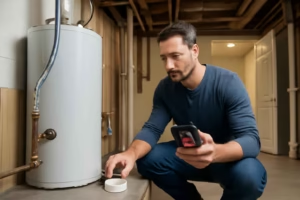
If your broader goal is whole-home water protection, it can help to pair maintenance tracking with a smart water leak detector or a smart water shut-off valve so missed maintenance and active leaks are managed as part of the same decision.
When a smart reminder is worth it and when it is not
Usually worth it
- You have a filter schedule longer than 3 months, which is easier to forget.
- You use multiple cartridges or stages with different replacement cycles.
- You want app notifications instead of handwritten labels on housings.
- You maintain rental, vacation, or multigenerational properties.
Usually not worth it
- Your filter already includes dependable digital alerts built into the main controller.
- Your system uses very simple, highly visible cartridges changed on a strict monthly schedule.
- You do not want another app, battery-powered sensor, or subscription layer.
According to the Best Home Gear Hub approach, the best purchase is not the smartest-looking device. It is the one that reduces the chance of missed maintenance without creating a new maintenance burden of its own.
What product types you will compare
Shoppers usually compare four paths:
| Option | Best for | Main advantage | Main limitation |
|---|---|---|---|
| Built-in filter system reminders | Newer premium filtration systems | Native compatibility | Limited to one brand or system |
| Standalone smart timers/reminder hubs | Existing filter systems without electronics | Easy retrofit | May track time, not actual usage |
| Water-monitoring ecosystems with maintenance alerts | Homeowners building a broader smart water setup | Better visibility across devices | Higher cost and setup complexity |
| Manual calendar-based tracking | Low-complexity households | Lowest cost | Easiest to ignore or forget |
The 5-point FILTER Score for choosing the right reminder
In the Best Home Gear Hub model, use the FILTER Score to compare products before you buy. Rate each category from 1 to 5.
- F — Fit: Does it work with your current filter setup, replacement cycle, and household routine?
- I — Integration: Does it connect with your phone, smart home platform, or existing water devices?
- L — Longevity tracking: Does it track only dates, or can it support usage-based logic, multi-stage schedules, or maintenance history?
- T — Trigger quality: Are alerts dependable, customizable, and hard to miss?
- E — Effort: How much setup, battery replacement, and ongoing management does it require?
- R — Replacement clarity: Does it make the next step obvious, including which filter to buy and when to install it?
A score near the high end usually indicates a better fit for households that want low-friction maintenance. A lower score often means the product adds notifications without solving the actual replacement workflow.
Decision criteria that matter most
1. Compatibility with your filter type
Some reminders are built for pitcher filters, faucet filters, or under-sink cartridges, not whole-home systems. Check whether the product supports:
- Whole-house sediment filters
- Carbon pre-filters and post-filters
- Multi-stage systems
- Salt-free or specialty conditioning systems
- Custom replacement intervals
If the product cannot manage your actual maintenance pattern, it is a weak buy even if the app looks polished.
2. Alert reliability
The reminder only has value if you will see it and act on it. Better systems offer:
- Push notifications
- Email alerts
- Repeated reminders until confirmed
- Separate warnings before and on the due date
- Shared household access
Single one-time alerts are easier to miss, especially if only one family member receives them.
3. Multi-stage tracking
Many homeowners underestimate how important this is. A sediment stage, carbon stage, and specialty cartridge may not share the same life cycle. If your system has multiple consumables, a one-timer reminder can become confusing fast.
4. Replacement workflow
The best buying experience includes a clean path from alert to purchase. That might mean an app that stores model numbers or a simple process for reordering compatible cartridges. If you want to browse common replacement supplies, an whole house water filter replacement cartridge search can help you compare sizes and filter media before buying.
5. Power source and maintenance burden
Some smart accessories solve a reminder problem but add battery replacements, weak wireless performance, or another account to manage. For a utility-room install, simple often wins.
6. Remote access
Remote visibility matters most for second homes, rentals, and snowbird properties. If remote access is not important to you, a simpler reminder may be enough.
Comparison table: which type of smart refill reminder fits your situation
| Homeowner situation | Best option type | Why it fits | Trade-off |
|---|---|---|---|
| Single-stage whole-home filter, owner-occupied home | Standalone smart reminder | Low cost and easy retrofit | May not track actual consumption |
| Multi-stage filtration with specialty cartridges | Advanced maintenance-tracking system | Supports multiple schedules | More setup time |
| Vacation property or remote oversight | App-based reminder with cloud alerts | Remote visibility and recurring notifications | Depends on internet stability |
| New premium filtration install | Built-in branded reminder | Cleaner compatibility and support | Less flexibility outside that ecosystem |
| Low-tech homeowner with predictable schedule | Manual or basic digital reminder | Cheapest path | Higher risk of skipped maintenance |
Mistakes that lead to poor buying decisions
- Buying for app features instead of maintenance fit. A sleek dashboard does not help if the replacement schedule is wrong.
- Ignoring multi-user access. Household maintenance is easier when more than one person receives alerts.
- Assuming all filter reminders are whole-home compatible. Many are designed for smaller consumer filter categories.
- Overpaying for ecosystem features you will not use. If you do not need remote automation, do not buy a complex platform only for reminders.
- Forgetting replacement availability. A reminder is less helpful when compatible cartridges are hard to identify or reorder.
For homeowners also managing humidity, leaks, and basement conditions, related monitoring tools such as a smart humidity sensor can support a broader prevention strategy around water-related damage.
How to decide in 15 minutes
- List your filter stages. Write down each cartridge or media type and its normal replacement interval.
- Decide whether time-based alerts are enough. If your water use is stable, they often are. If your occupancy changes a lot, consider more flexible tracking.
- Choose your alert level. Basic phone reminder, app notification, or multi-user smart-home integration.
- Check replacement workflow. Make sure you can quickly identify and source the right cartridges. If needed, compare options through an water filter housing wrench search or replacement-parts searches that support easier maintenance.
- Score the options with the FILTER Score. Eliminate anything that creates more friction than it removes.
Implementation checklist after purchase
- Confirm the correct replacement interval for each stage.
- Label the physical housing to match the app schedule.
- Enable repeated notifications, not just one-time alerts.
- Add a second household contact when possible.
- Store filter sizes, wrench needs, and shutoff steps in the same note or app.
- Test one full reminder cycle before relying on the system.
Frequently asked questions
Do smart refill reminders actually measure filter performance?
Usually, no. Many track time, service intervals, or user-entered schedules. Some advanced systems may estimate maintenance timing through broader monitoring, but shoppers should not assume real-time filter media performance measurement unless the manufacturer clearly states it.
Is a smart reminder enough to protect water quality?
No. It helps reduce missed maintenance, but it does not replace proper installation, correct filter selection, and periodic inspection for pressure changes, leaks, or unusual water characteristics.
What is the best option for a vacation home?
An app-based reminder with dependable remote alerts is usually the strongest fit. Shared access and cloud notifications matter more than advanced local controls in that scenario.
Should I buy a reminder built into the filter brand or a standalone device?
If the built-in option is reliable and matches your system, it is often the cleaner choice. A standalone device makes more sense when you already have a filtration setup and want to add reminders without replacing the main system.
Can a smart reminder lower costs?
It can lower indirect costs by reducing delayed replacement, avoidable troubleshooting, or preventable wear on connected appliances. The savings depend on how often missed maintenance has been a problem in your home.
Conclusion
The best smart refill reminder for a whole-home water filter system is the one that matches your real maintenance pattern, sends alerts you will actually notice, and makes replacement simple instead of adding another layer of hassle. For most homeowners, the decision comes down to compatibility, multi-stage tracking, and workflow clarity more than flashy smart-home features.
If you are comparing options now, start by mapping your filter stages, ranking products with the FILTER Score, and choosing the simplest reminder system that reliably moves you from alert to action. That is the point where a smart accessory becomes worth buying.